
Guides & updates
Tutorials, tips and news for building with custom commands.
Social Alerts are here: YouTube, Twitch and Kick in your Discord server
Post to your Discord server the moment a video drops or a stream goes live. Follow YouTube, Twitch, Kick, Bluesky, podcasts and RSS feeds, no code needed.
3 min read
Read postAll posts
44 posts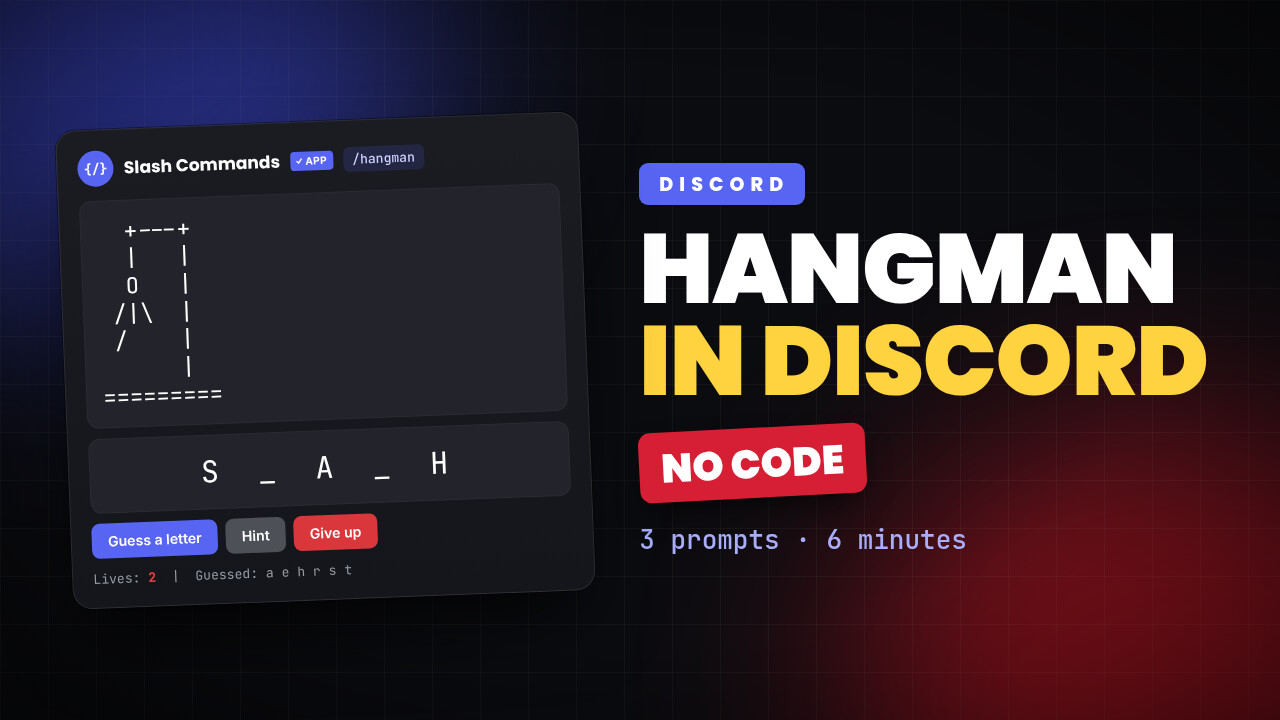
3 min read
Build a Hangman game in Discord without writing any code
A full hangman game as a slash command, built by asking the AI three times. No Python, no copy-paste, about six minutes start to finish.
3 min read
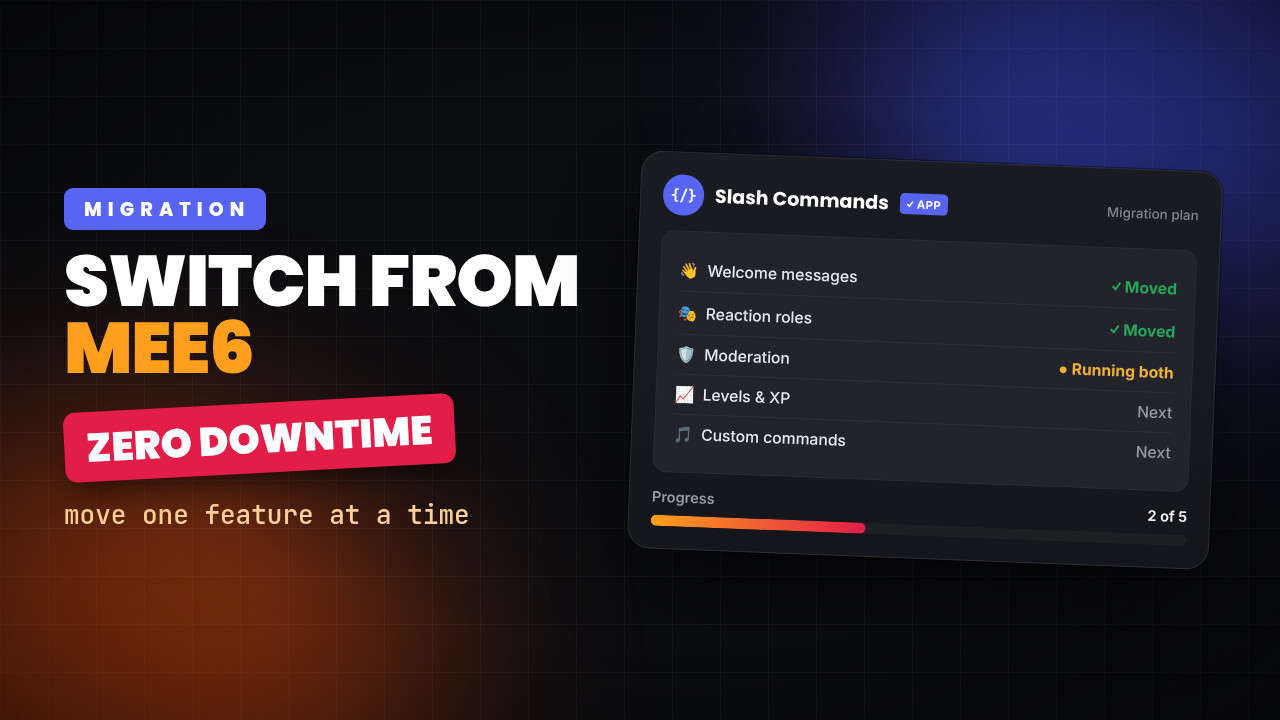
Switching from MEE6: what moves, what does not, and how to do it without breaking your server
You do not have to migrate everything in one evening. Run both, move one feature at a time, and keep the thing you would actually miss.
3 min read
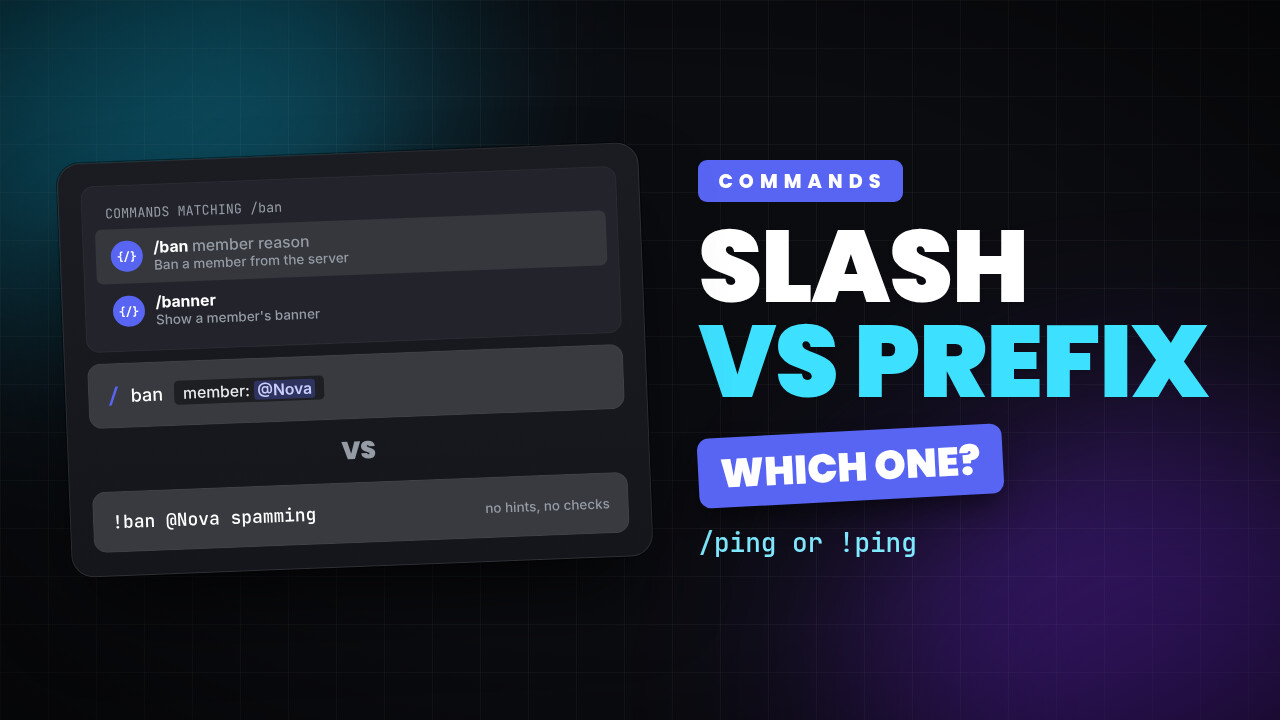
Slash commands or prefix commands? When each one is the right call
Slash commands are discoverable and validated. Prefix commands are fast to type and work where slash commands cannot. Most servers want both.
3 min read
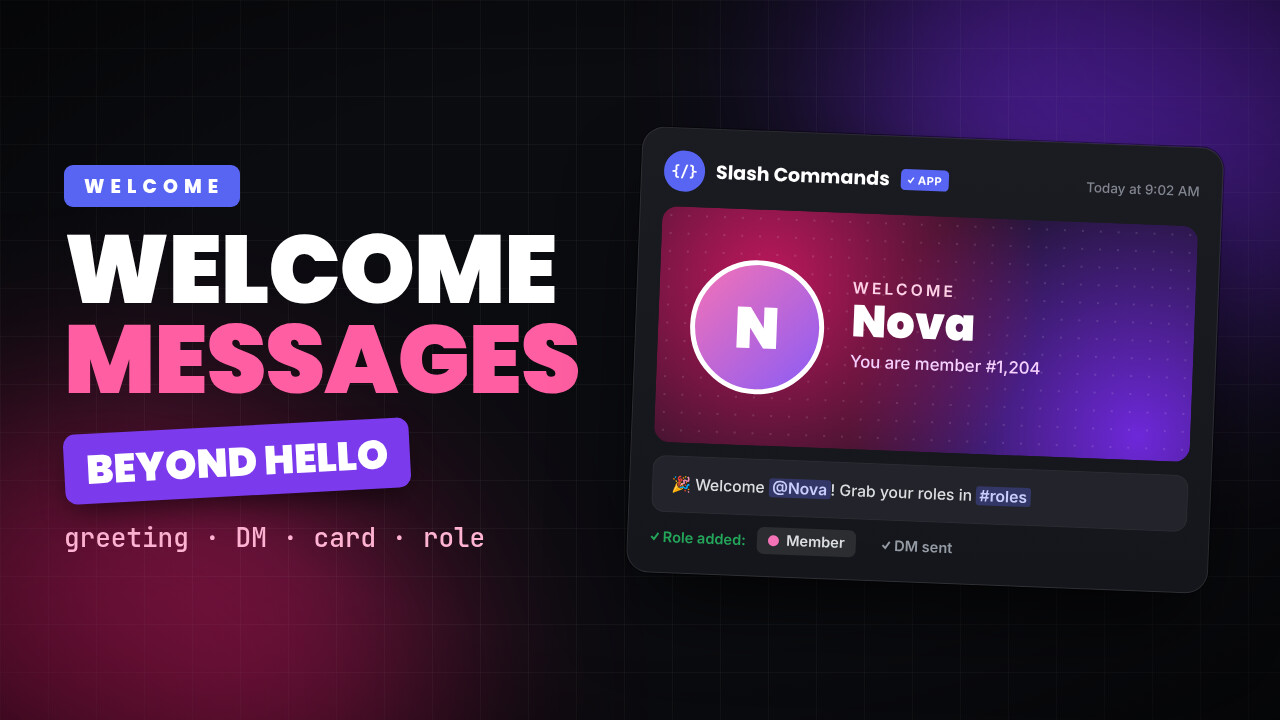
Discord welcome messages that do more than say hello
A channel greeting, a DM, a generated image card with the member's avatar, and a role on join. How to set all of it up without writing a bot.
3 min read
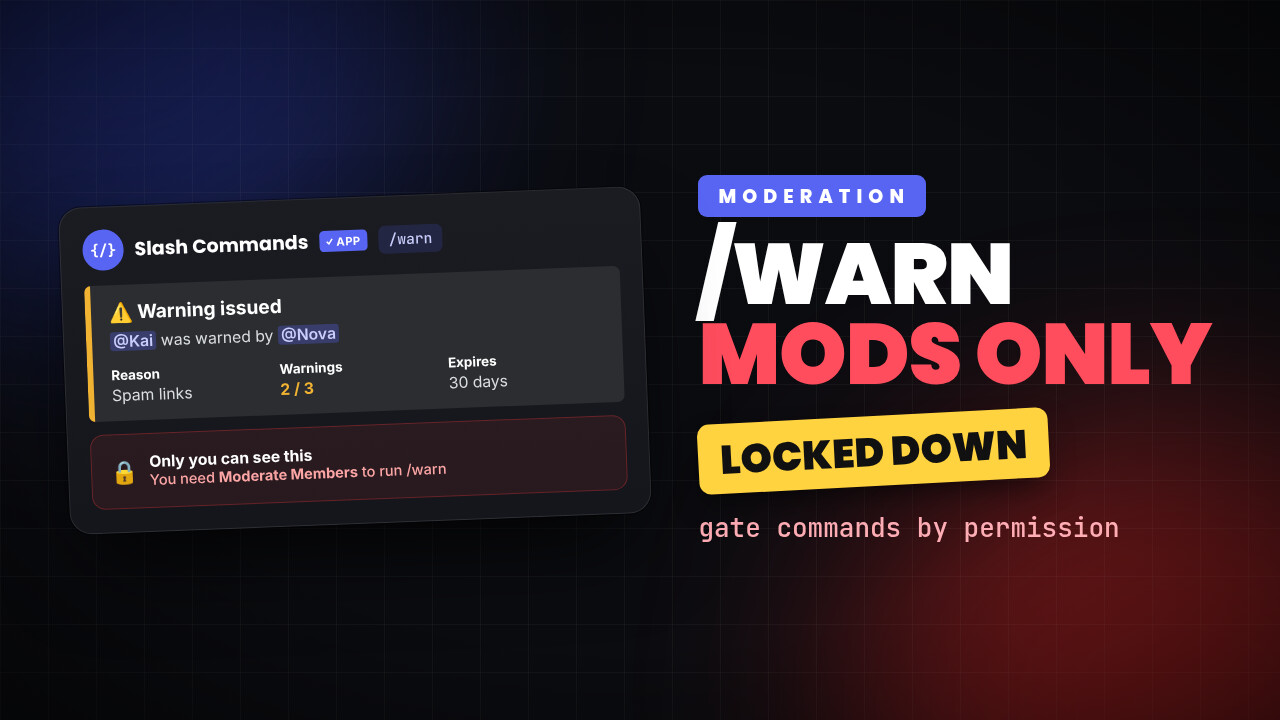
Build a /warn command only your moderators can run
A moderation command is only safe if the wrong people cannot run it. Here is how to gate a command by permission, take a member as an option, and keep the reply private.
3 min read
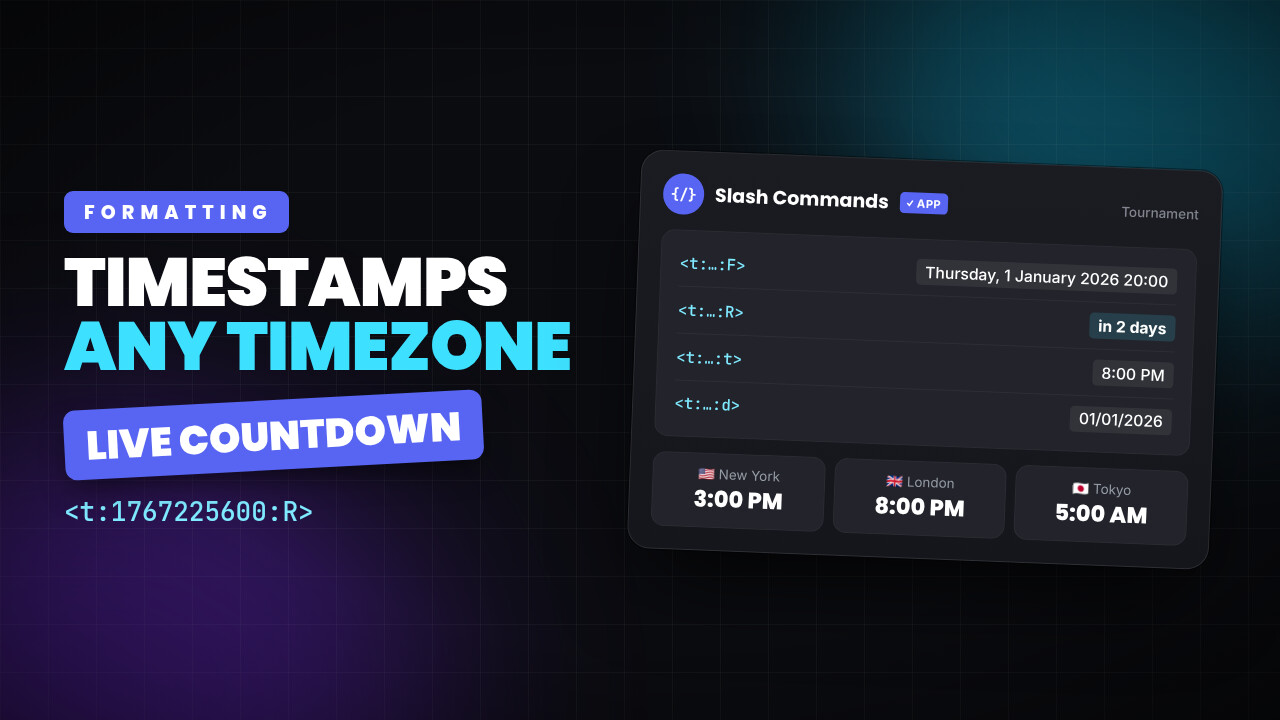
Discord timestamps, so nobody has to do timezone maths
Post a time once and every member sees it in their own timezone, counting down live. The format, the styles, and where it does not work.
3 min read
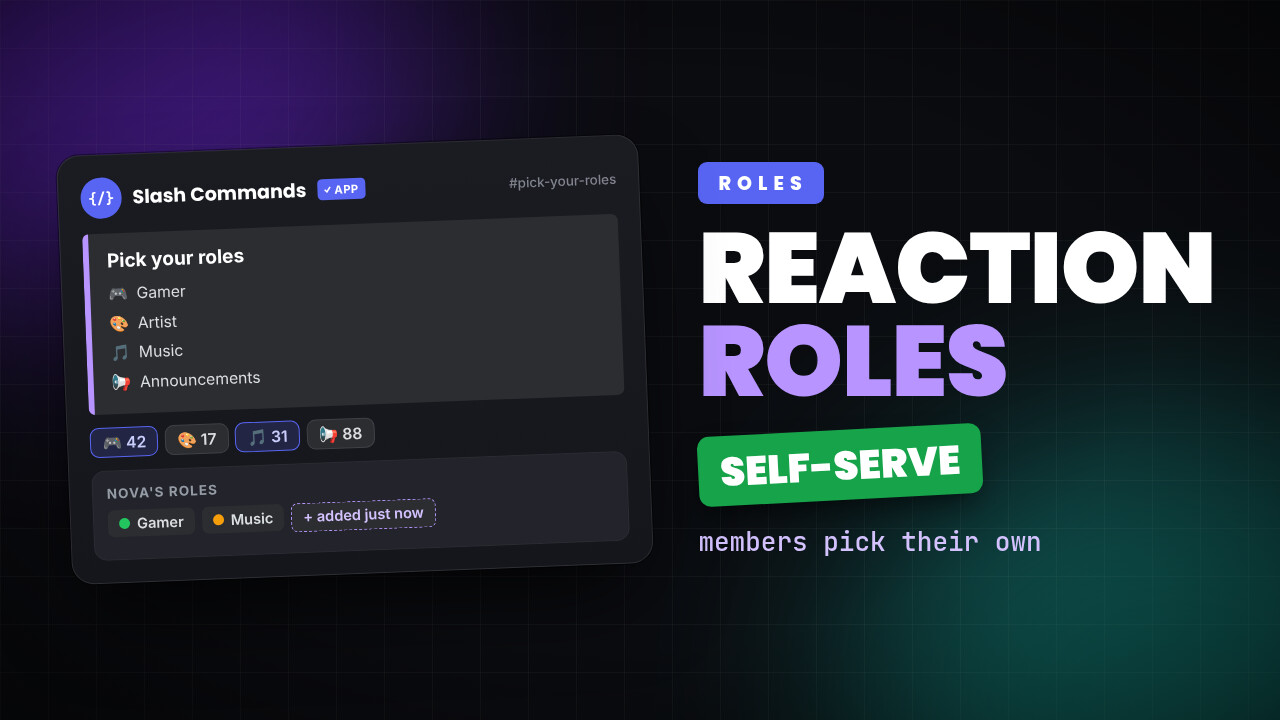
Discord reaction roles, and everything you can actually do with them
Let members pick their own roles from a message. How to set it up, what the common mistakes are, and the patterns worth stealing.
3 min read
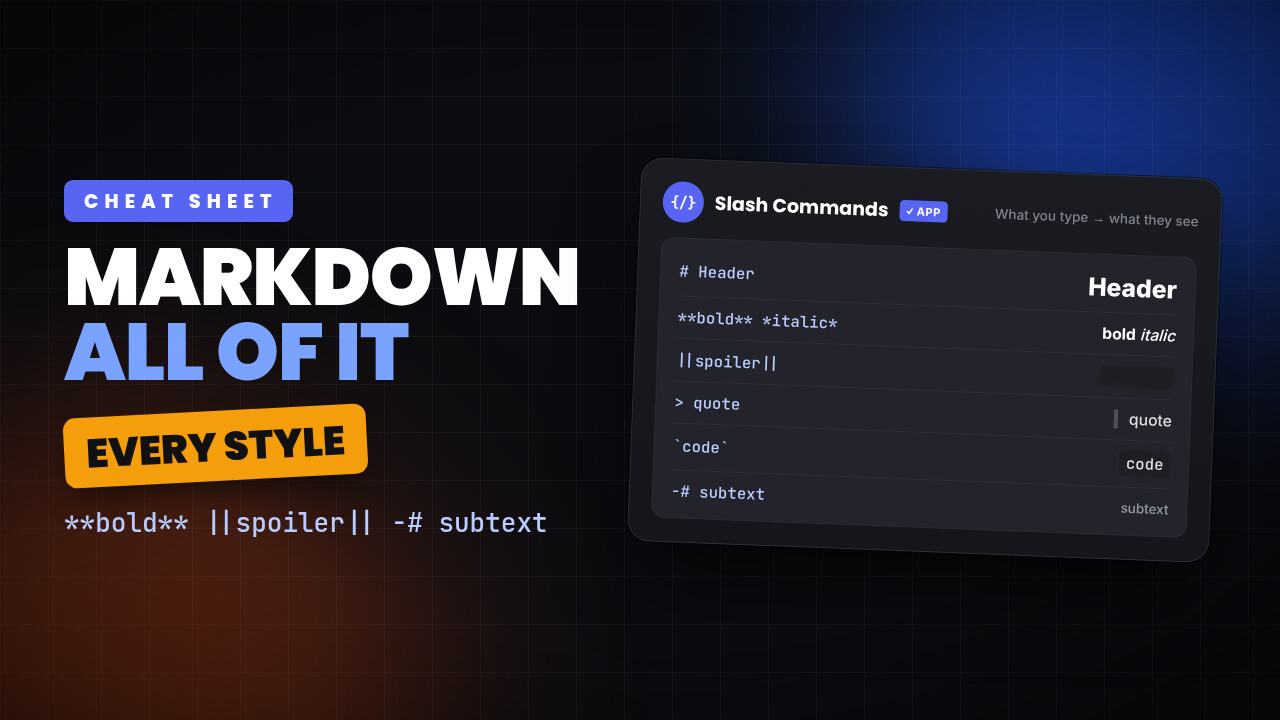
Discord markdown formatting, all of it
Bold, headers, lists, spoilers, subtext, code blocks and quotes. What Discord actually supports, and where each one stops working.
3 min read
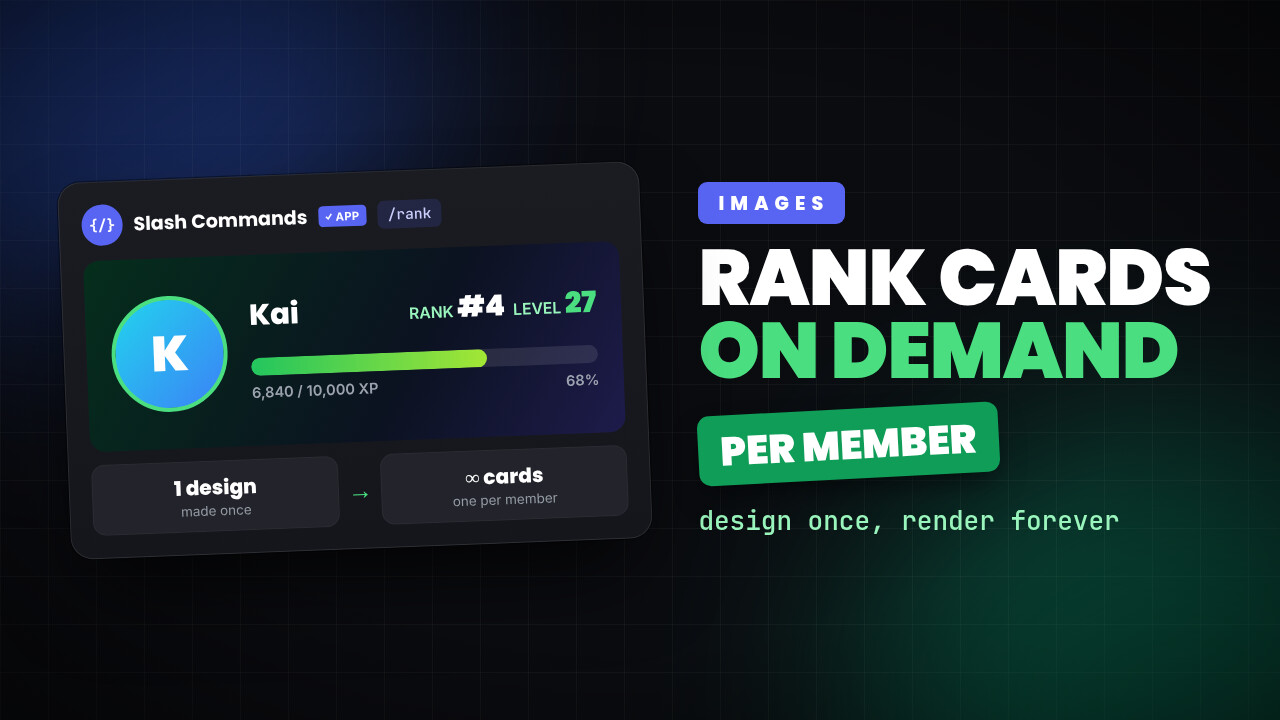
Generated images in Discord: rank cards, welcome cards and anything else
Design a layout once, and the bot renders it fresh for each member with their avatar and their numbers. How image templates work and where they pay off.
3 min read
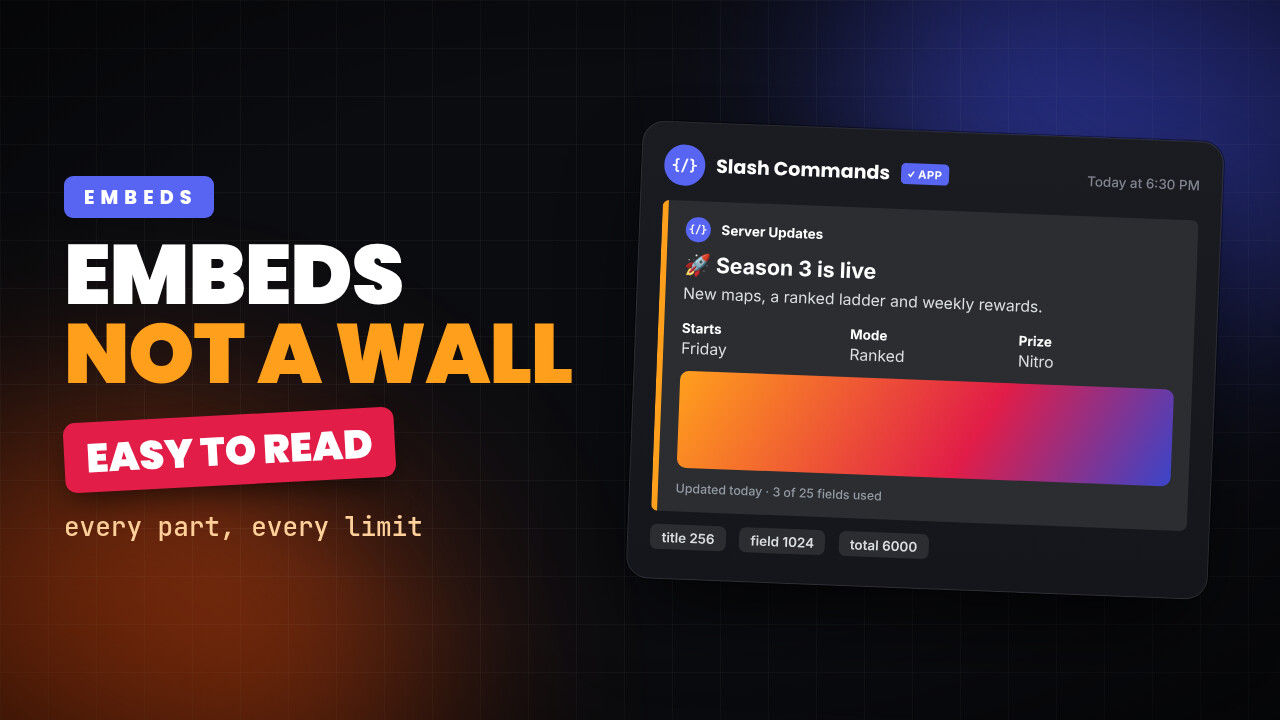
Discord embeds, and how to build one that does not look like a wall
Every part of an embed, what it is actually for, and the limits nobody tells you about until your message fails to send.
3 min read
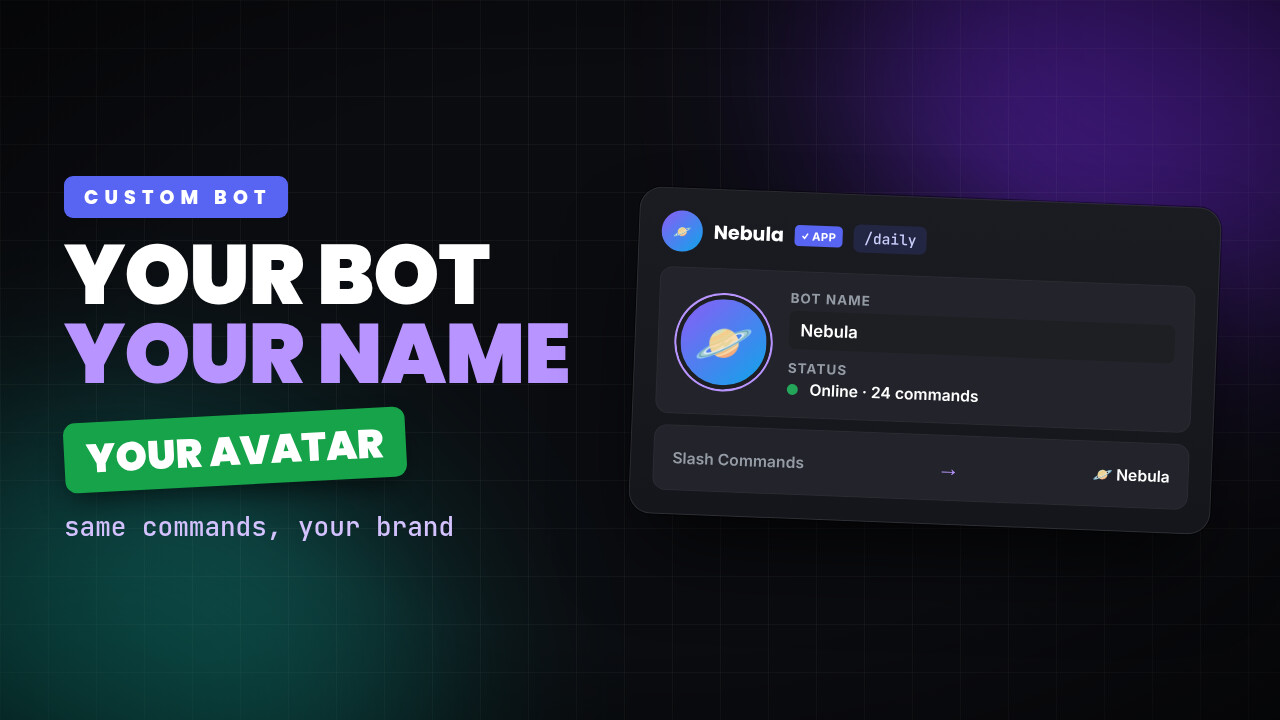
Run your commands on your own Discord bot, with your name and avatar
Keep every command you have built, but have them run under a bot with your server's name, your avatar and your own rate limits.
3 min read
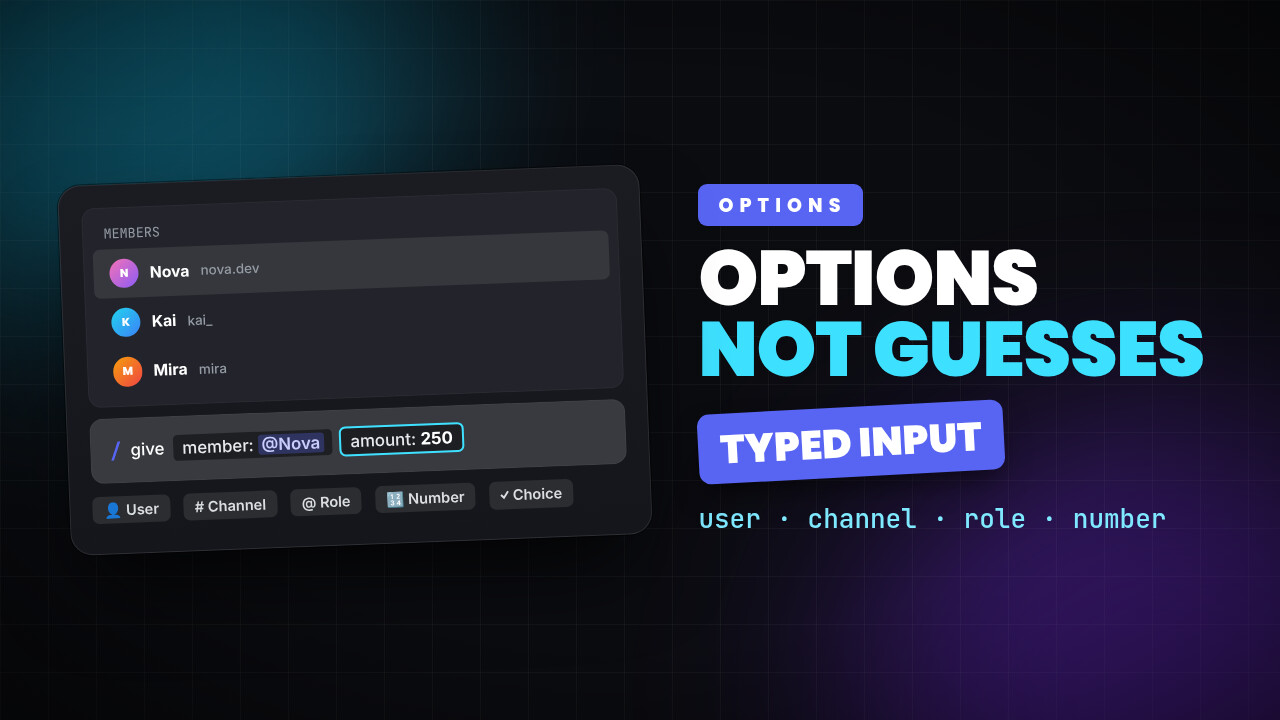
Discord slash command options, and how to stop people typing the wrong thing
Typed options turn a command from a text box into a form. Members pick a member, a channel or a role, and your command receives something valid every time.
3 min read
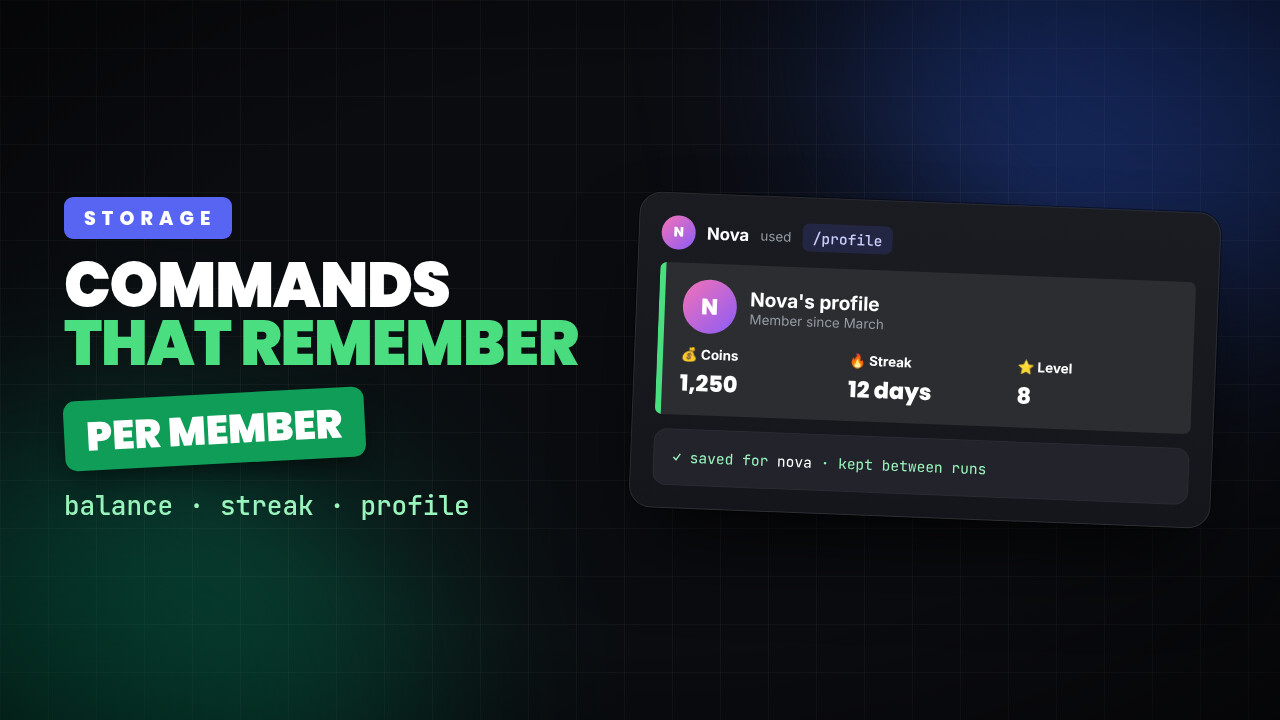
Giving a Discord command memory, so it remembers each member
Most bot commands forget everything the moment they finish. Here is how a command keeps a balance, a streak or a profile per member, between runs.
3 min read
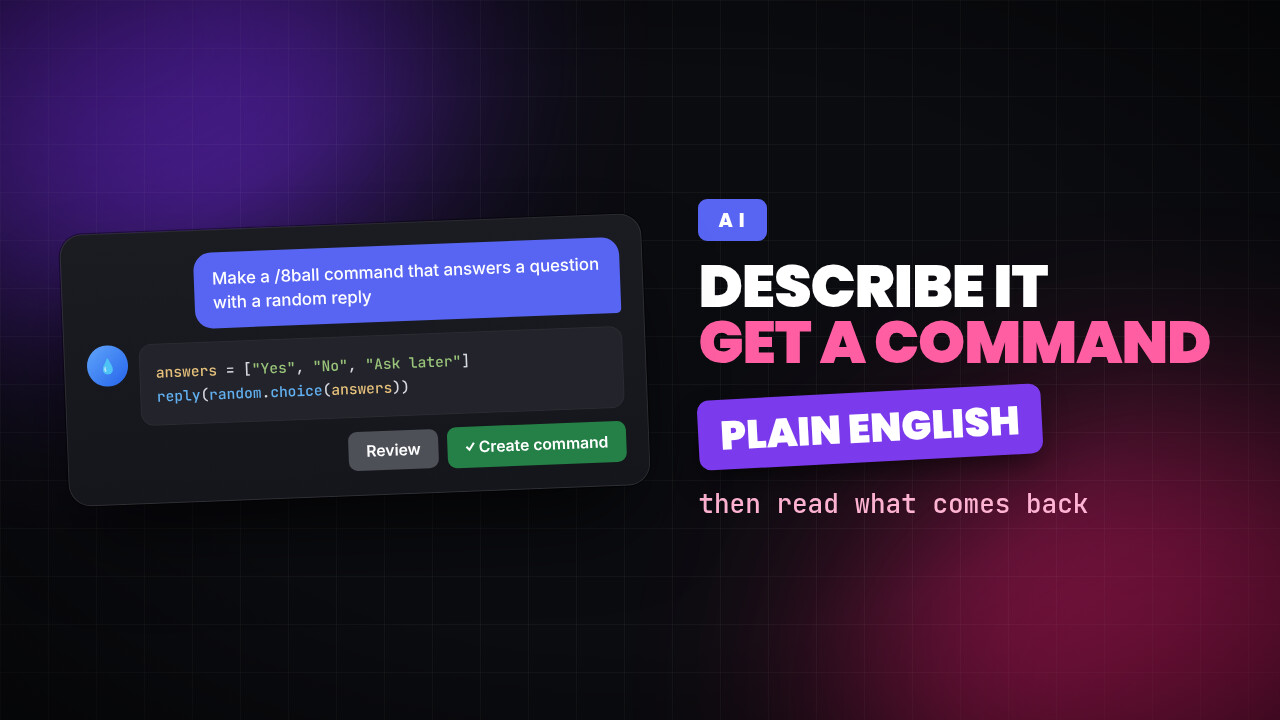
Describing a Discord command instead of writing one
You can type what you want in plain English and get a working command. How to describe it well, and why you should still read what comes back.
3 min read
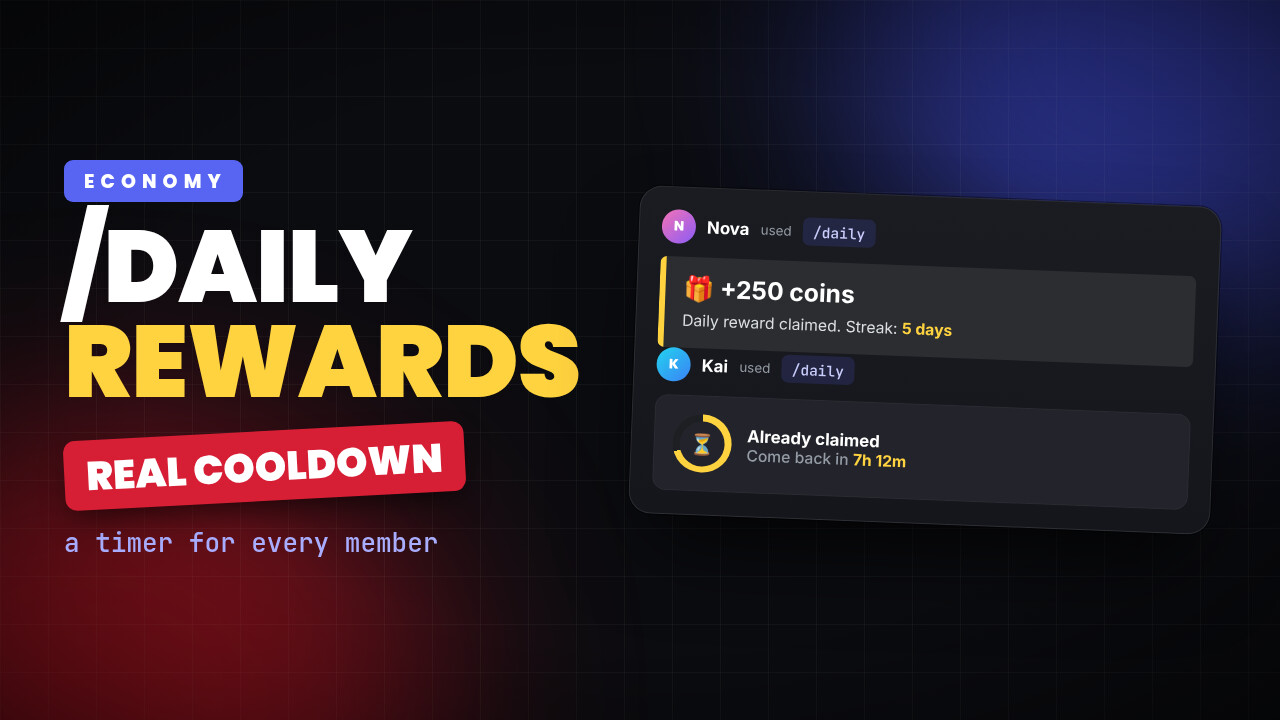
How to make a Discord daily reward command with a real cooldown
Most bots give every server one shared cooldown. Here is how to build a /daily where each member has their own timer, without hosting anything.
7 min read
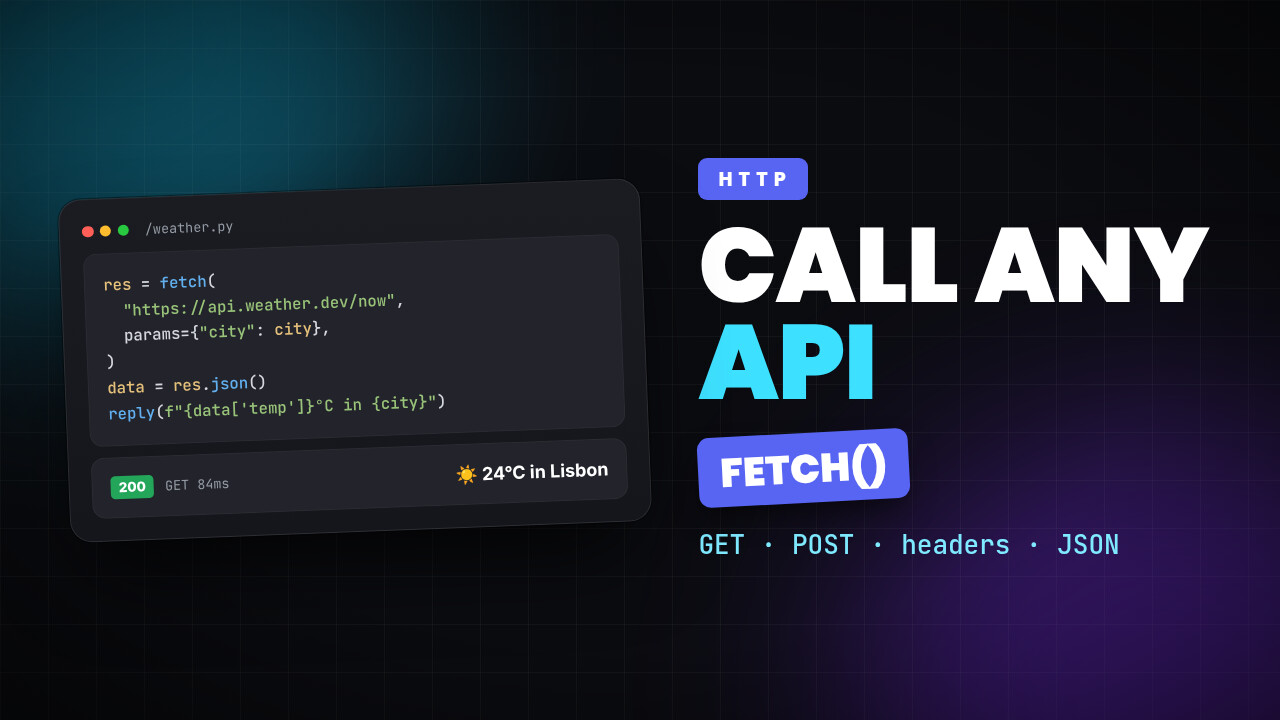
How to call an API from a Discord custom command using fetch
Use fetch inside a custom command to call any web API from Discord — GET and POST, headers, JSON bodies, query parameters, and the per-run request limits.
13 min read
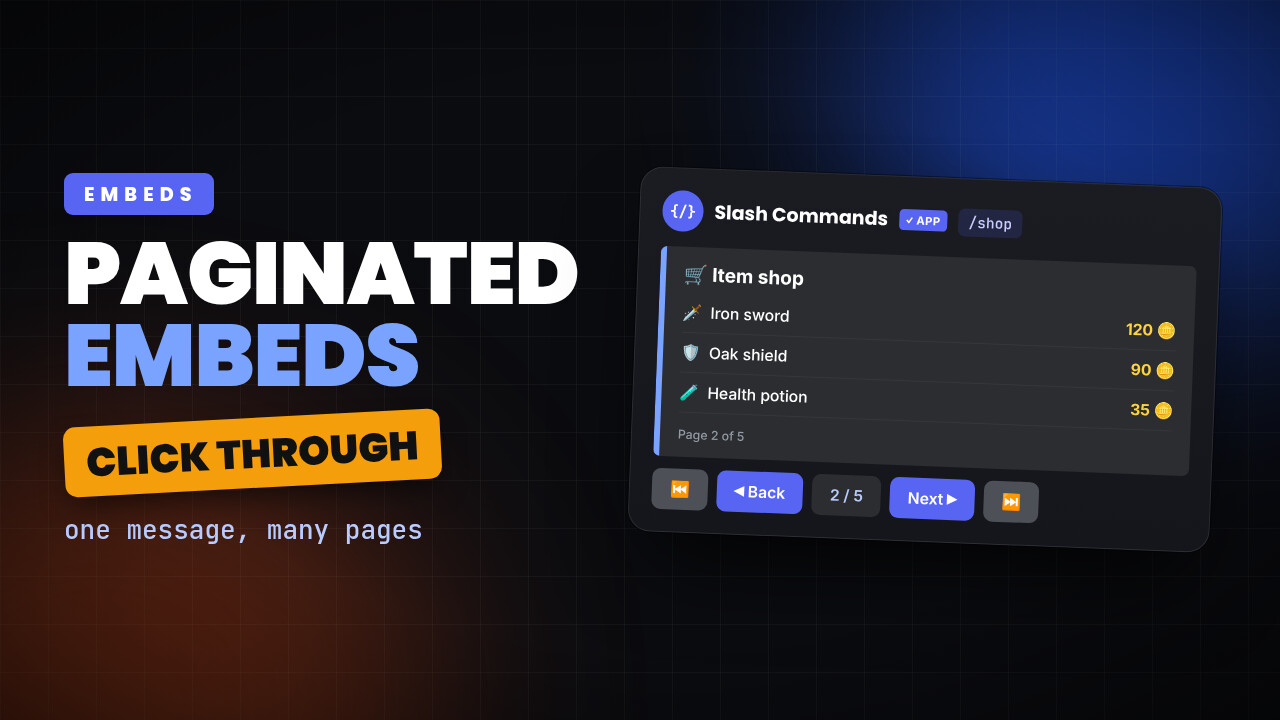
How to paginate Discord embeds with buttons using custom commands bot
Learn how to split a Discord message into pages your members can click through, using the paginator built into custom commands bot.
4 min read
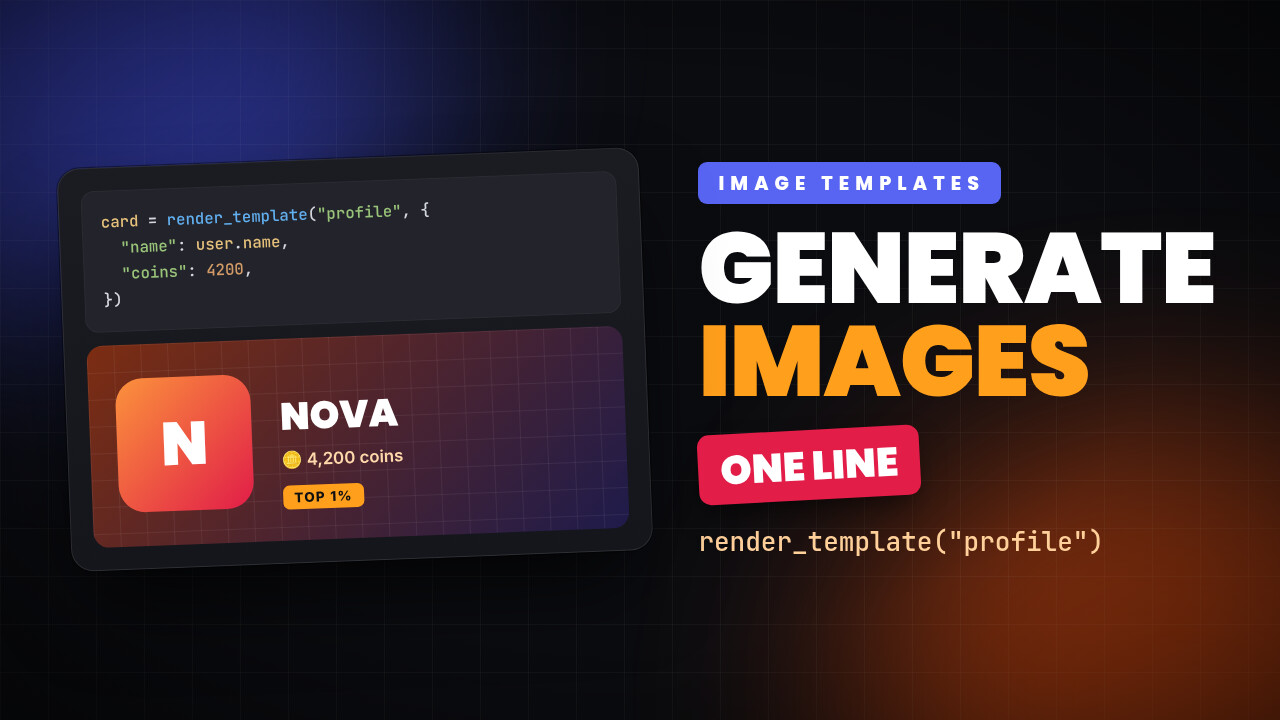
Discord Image Generation with Custom Commands: Image Templates
Generate dynamic images from your Discord custom commands — design rank cards, profile cards and banners once, then render them with one line of code. No image API required
3 min read
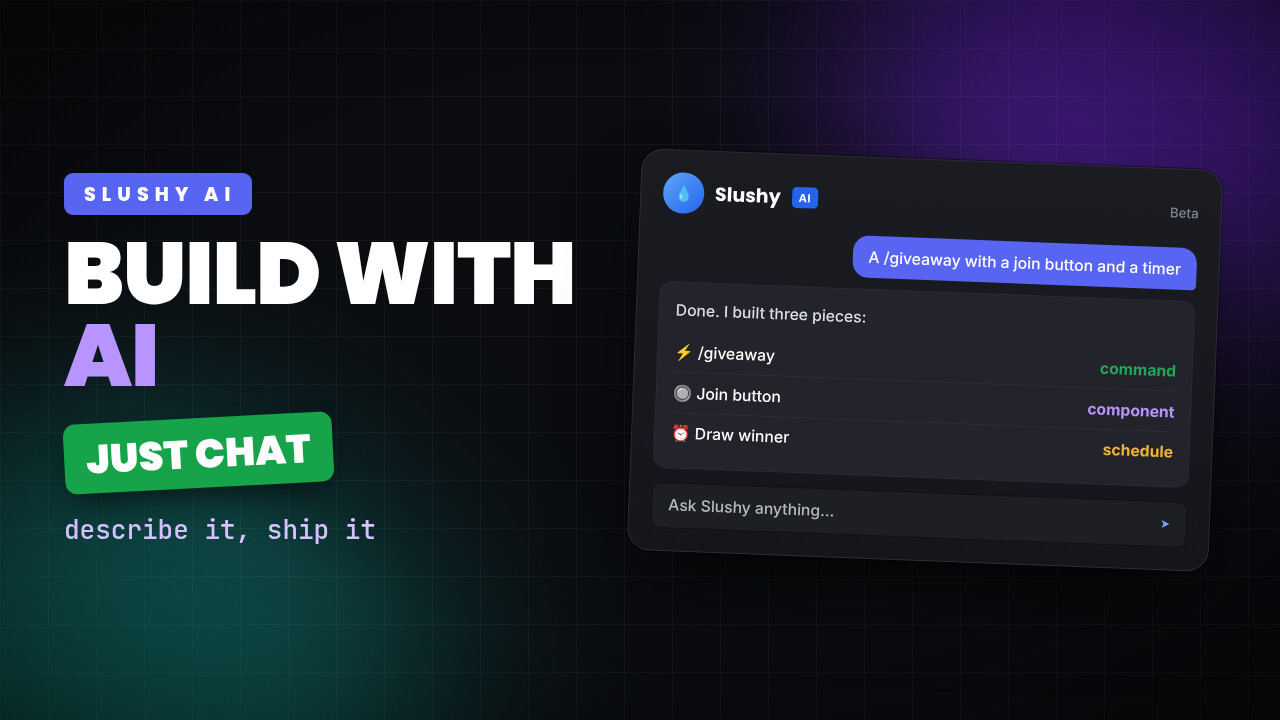
Build custom commands with AI
Stop coding bots from scratch—now you can build Discord commands just by chatting with AI.
5 min read
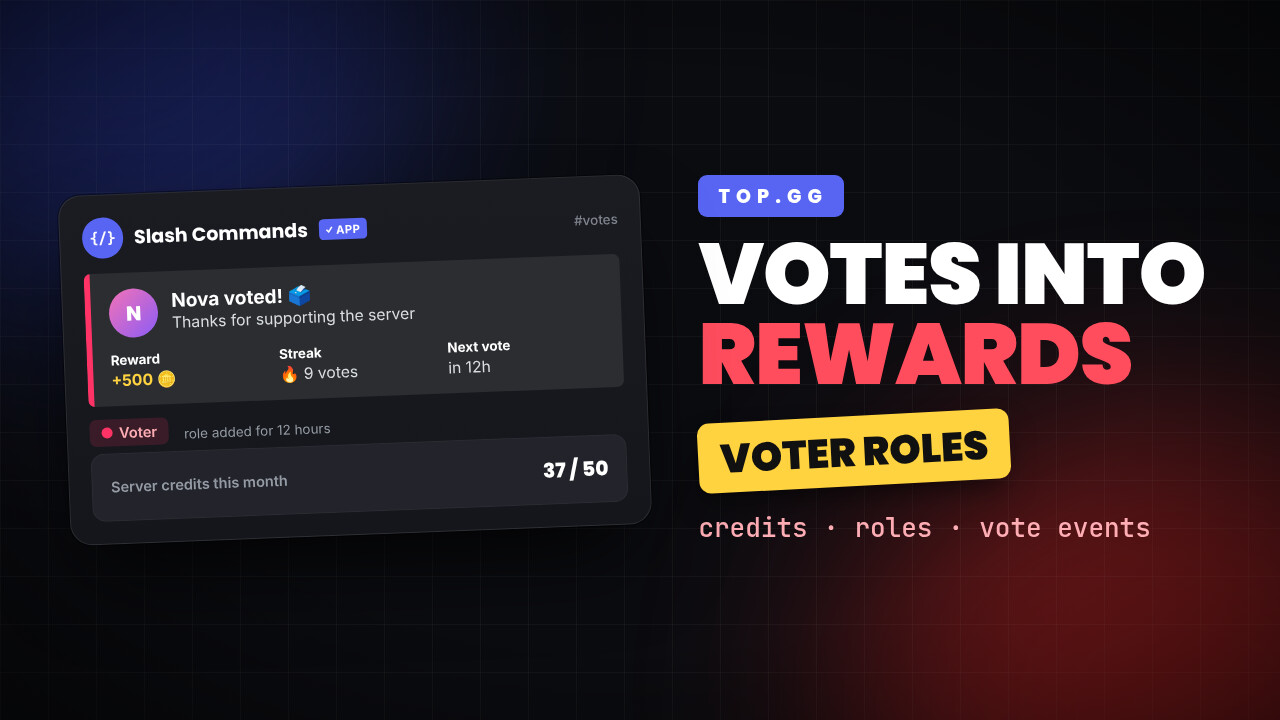
Turn top.gg Votes into Real Rewards: Vote Credits, Voter Roles, and Custom Vote Events for Your Discord Server
When your members vote for Custom Commands on top.gg, your server earns credits toward its subscription — and you choose how to reward the voters.
4 min read
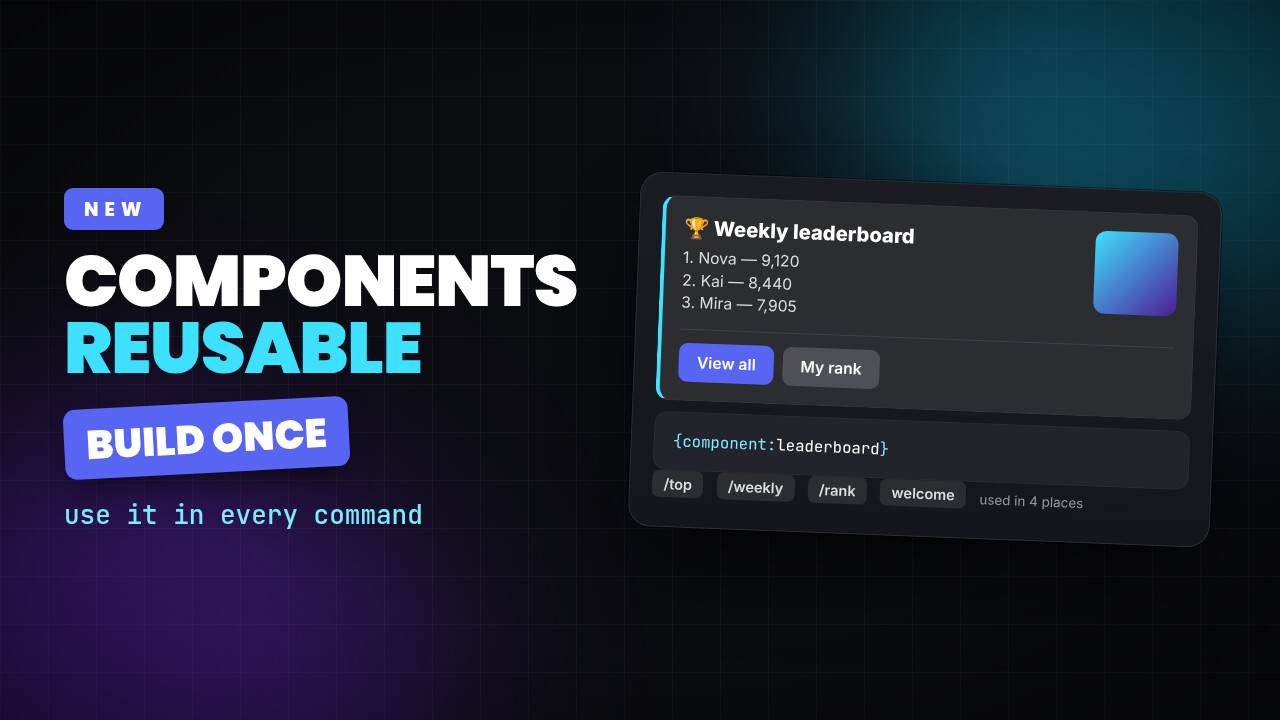
Introducing Components: build rich Discord layouts once, reuse them everywhere in Custom Commands
Build rich Discord layouts once with the new visual Components builder, then reuse them anywhere with a single line of code.
6 min read
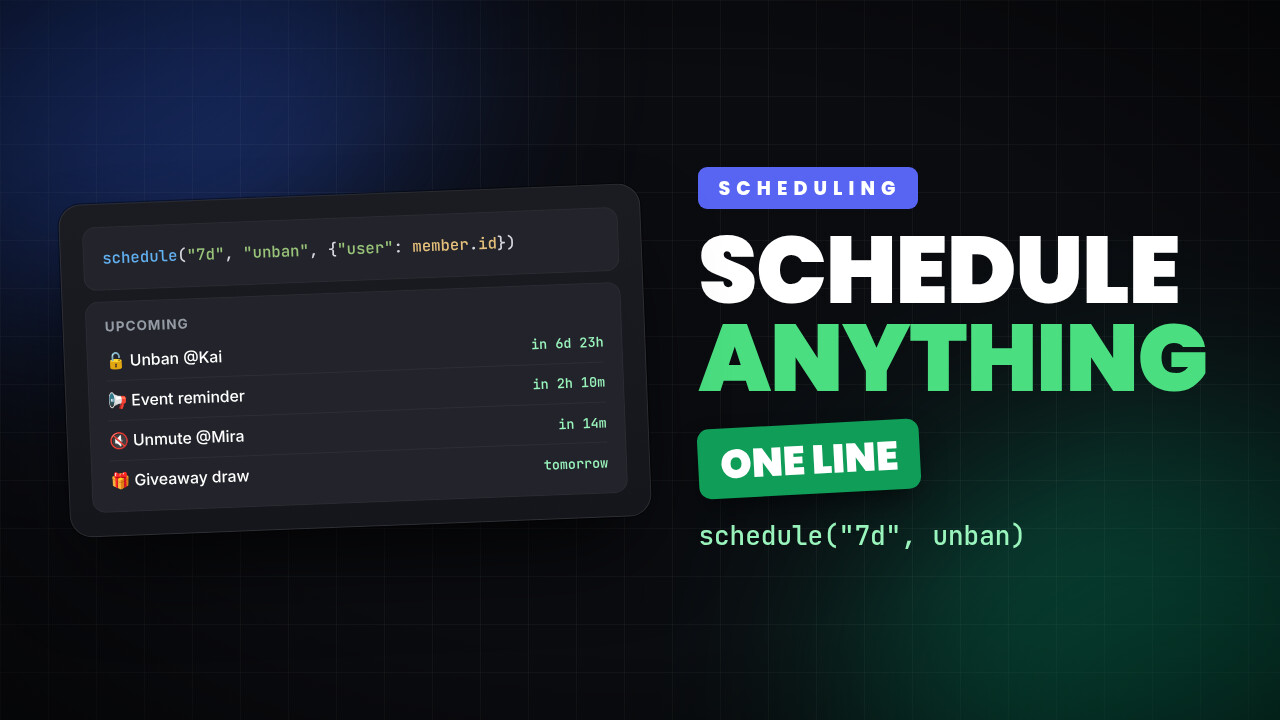
Schedule Anything using Custom Commands — One Line, No Setup
Schedule anything from temp bans to timed announcements with one line of code — no clock events or boilerplate needed.
4 min read
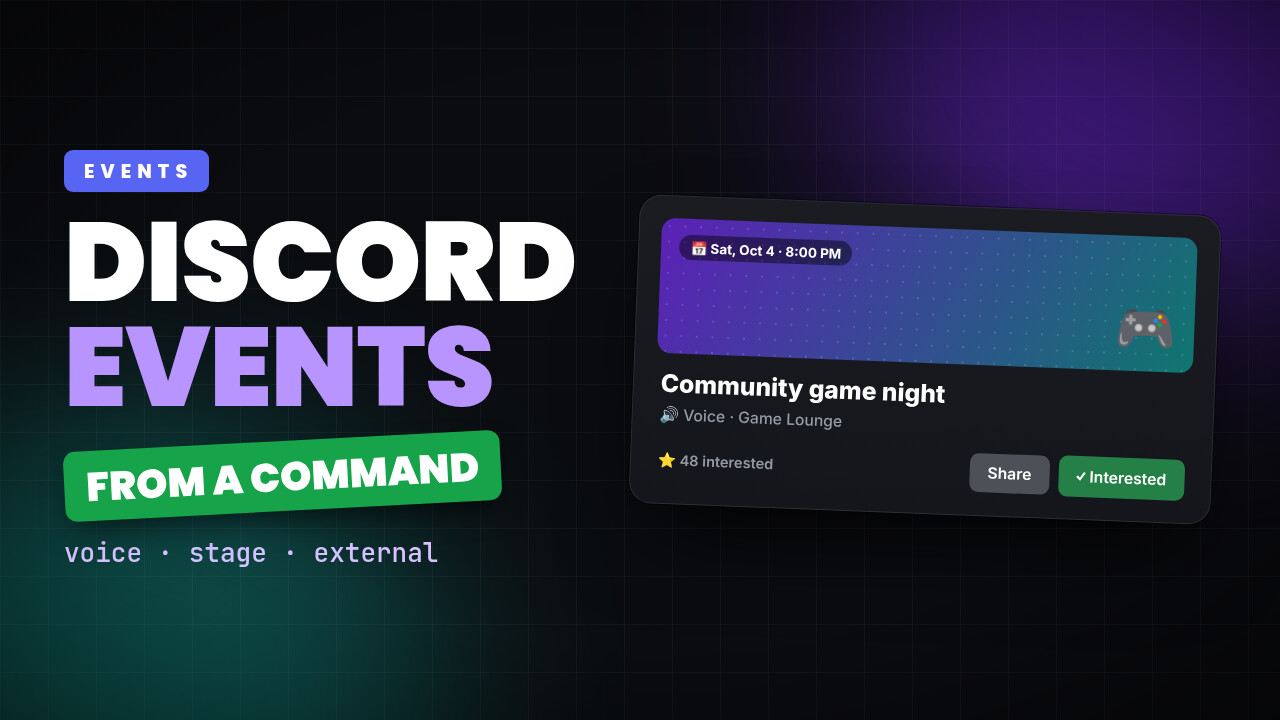
Schedule Discord Events Straight From Your Commands
Create Discord events instantly from your commands — voice channels, stage talks, or external meetups, all in one line of code.
6 min read
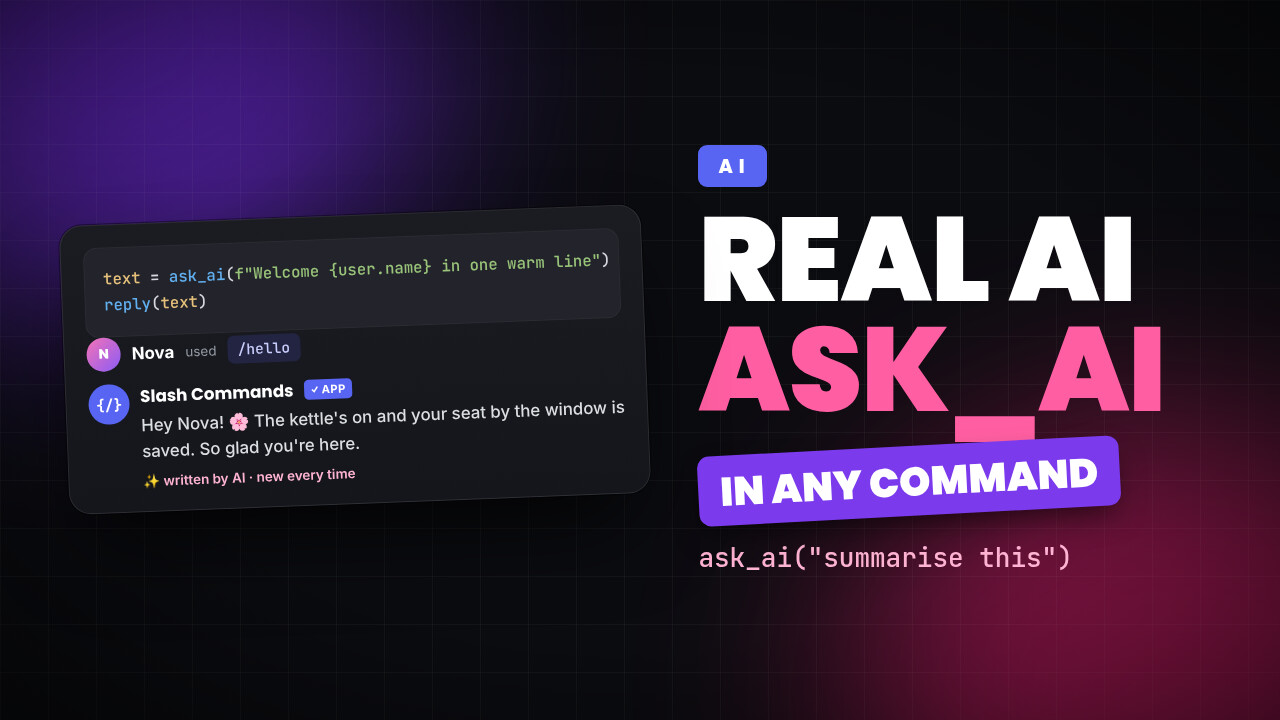
Meet ask_ai — Real AI Inside Your Custom Commands
Drop a single line into any command and get a written AI response back — welcome messages, summaries, replies, and more, generated on the fly.
3 min read
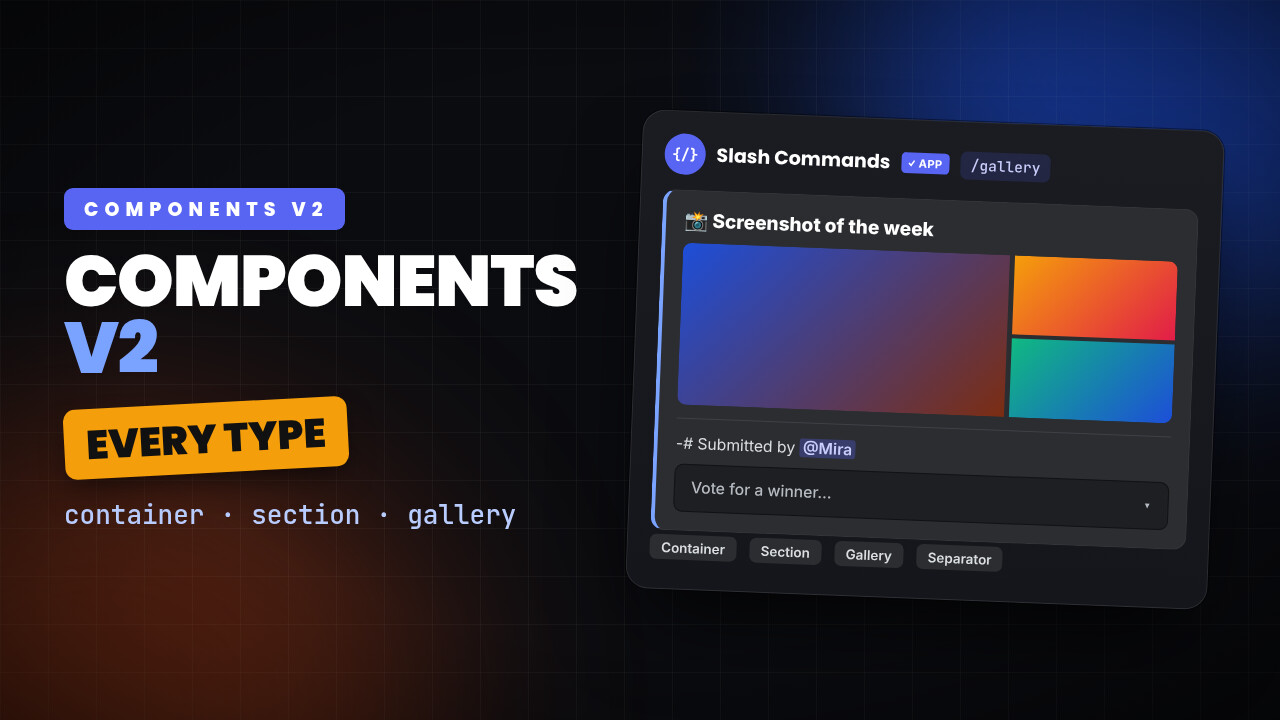
Discord Components v2 usage with Custom Commands bot
This blog contains documentation about how to use all the possible components available in discord components v2
3 min read
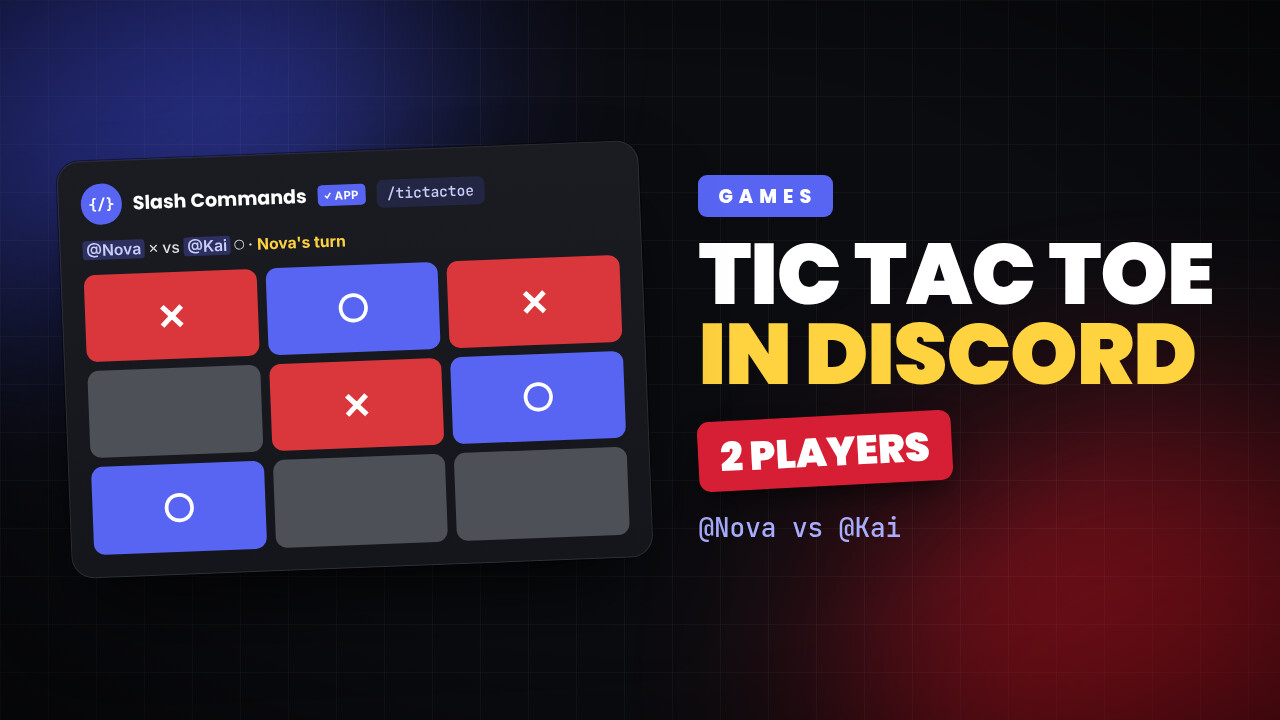
Create a tic-tac-toe game using custom commands bot
Lets create a discord slash command that allows playing multiplayer tic-tac-toe
1 min read
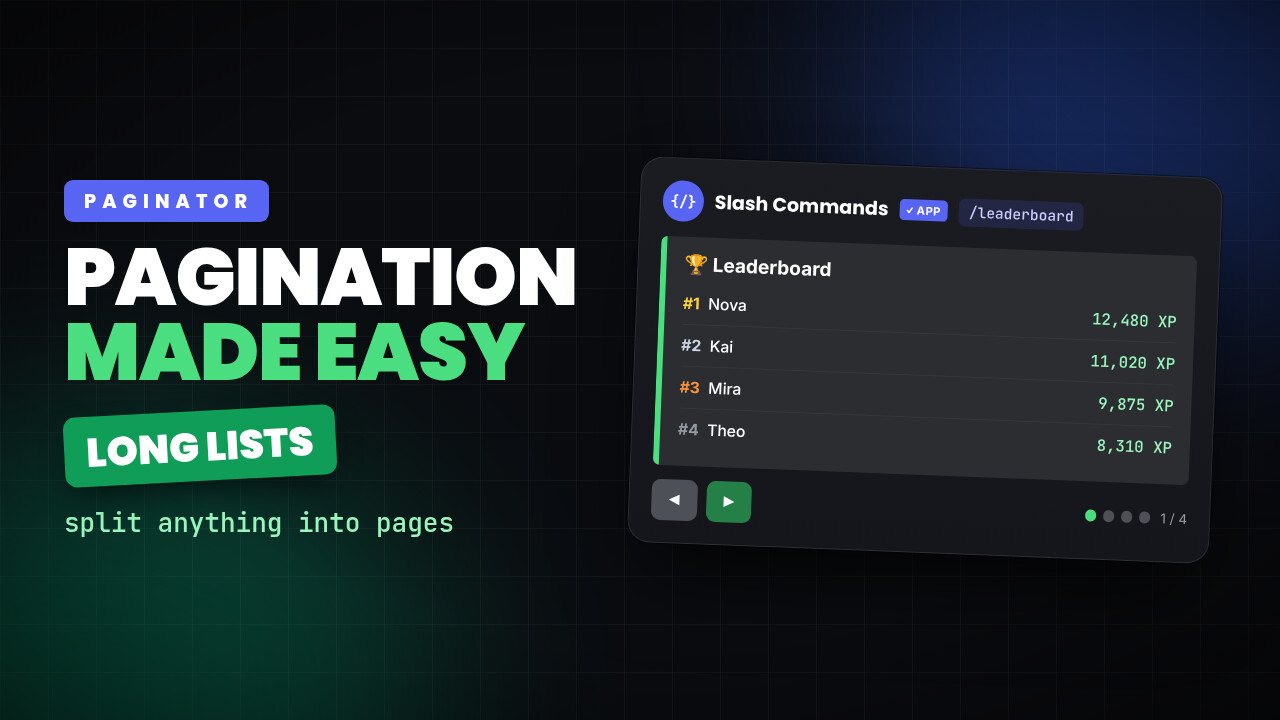
How to create pagination in Custom Commands bot
Lets learn how you can create paginator using slash commands bot
1 min read
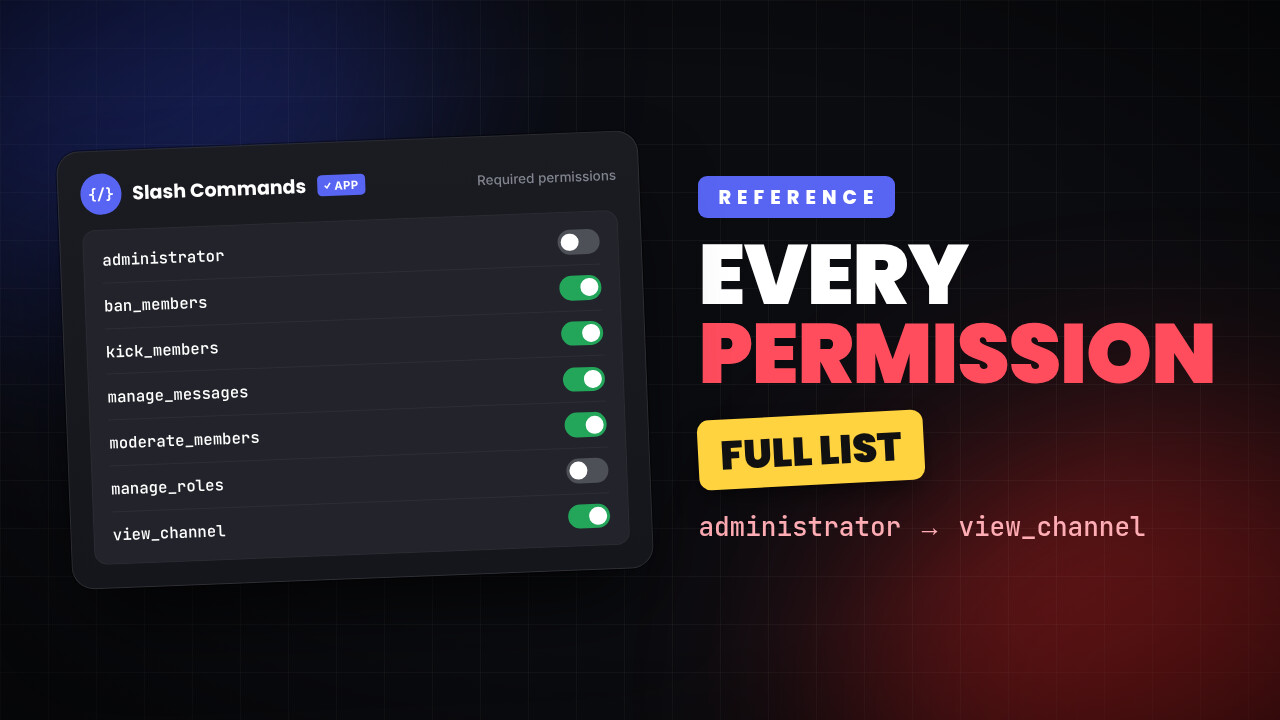
All the possible permissions in custom commands bot
Here is a list of all possible permissions
10 min read
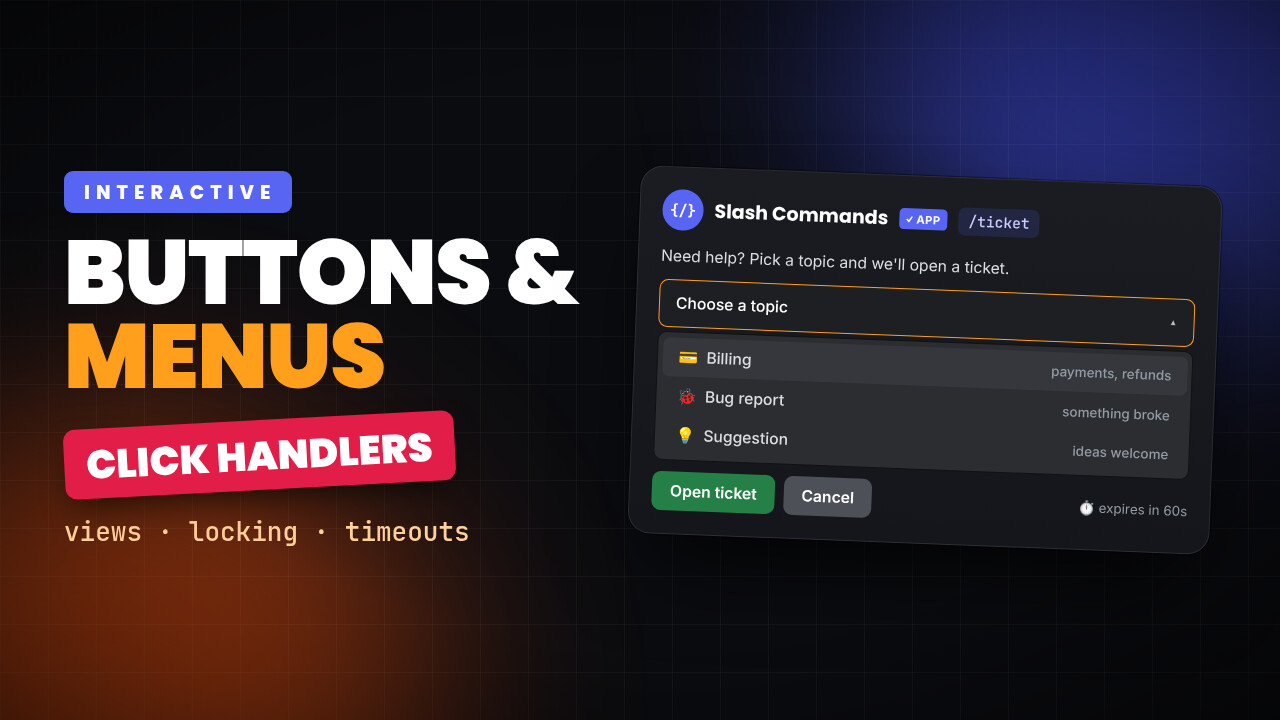
How to create Discord views with buttons and menus in custom commands bot
Build interactive Discord messages in a custom command — buttons, select menus, click handlers, per-user locking, timeouts and live button updates.
1 min read
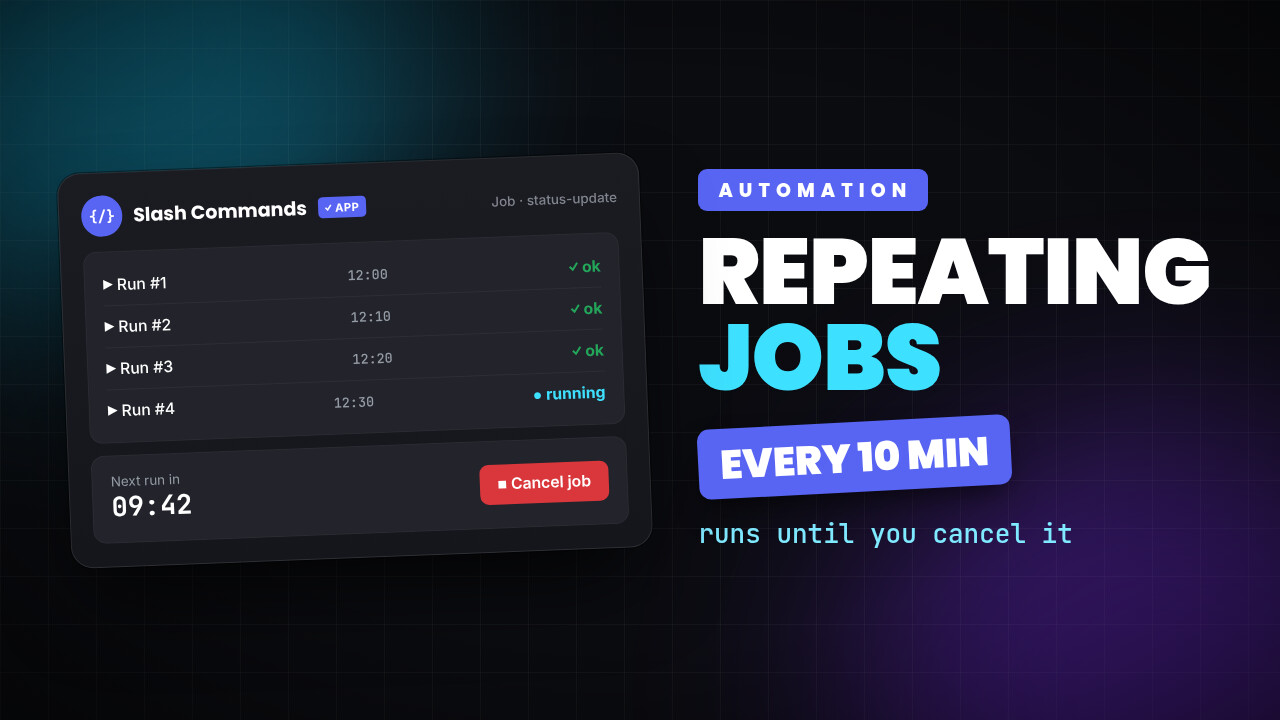
Create jobs that keeps running after interval in custom commands bot
If you want to create a repeating job that keeps running until cancelled
1 min read
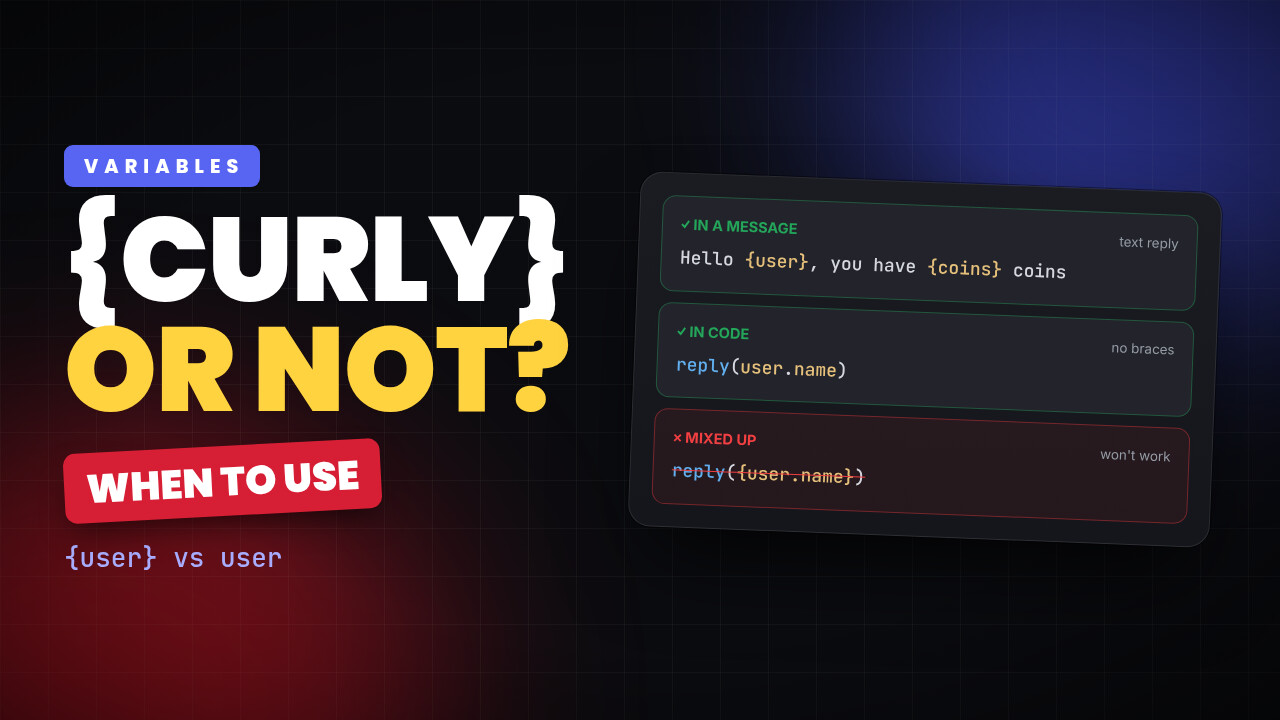
When should I use curly braces and when not for variables?
If you are confused about when you should use curly braces for variables, read more...
1 min read
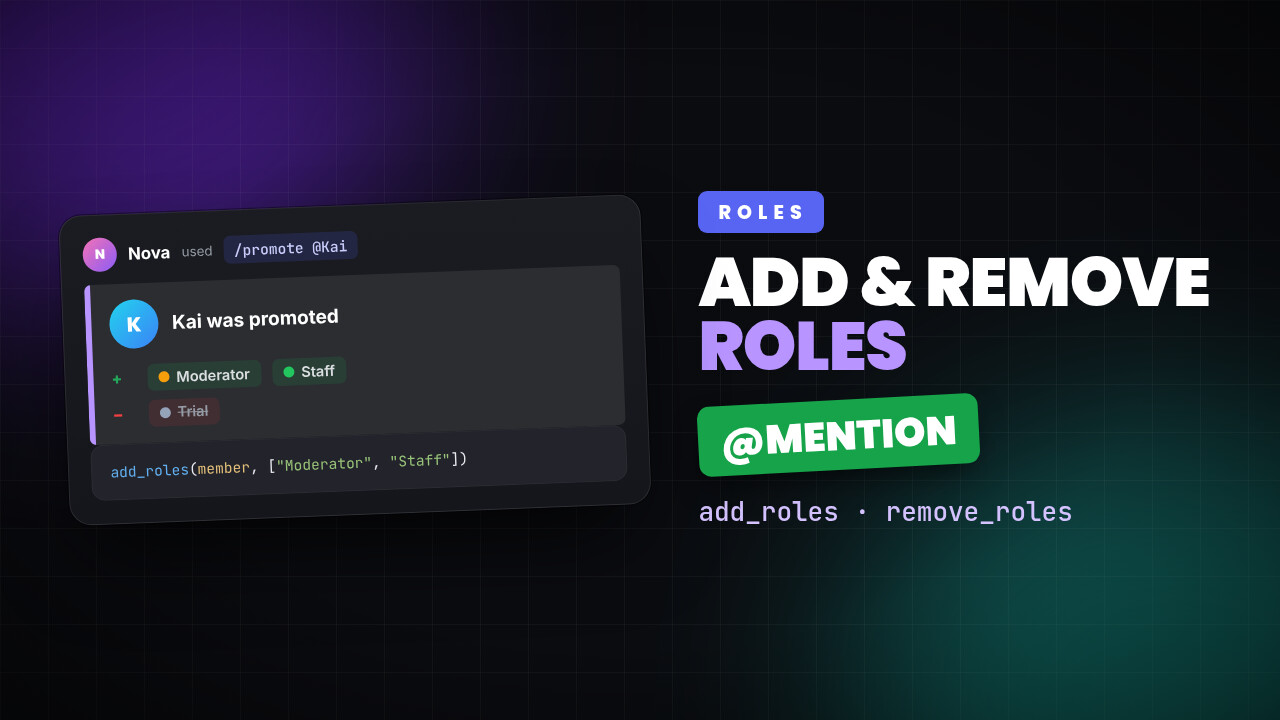
Add or remove role from mentioned user using custom commands bot
To remove role from mentioned user use the add_roles and remove_roles variable
1 min read
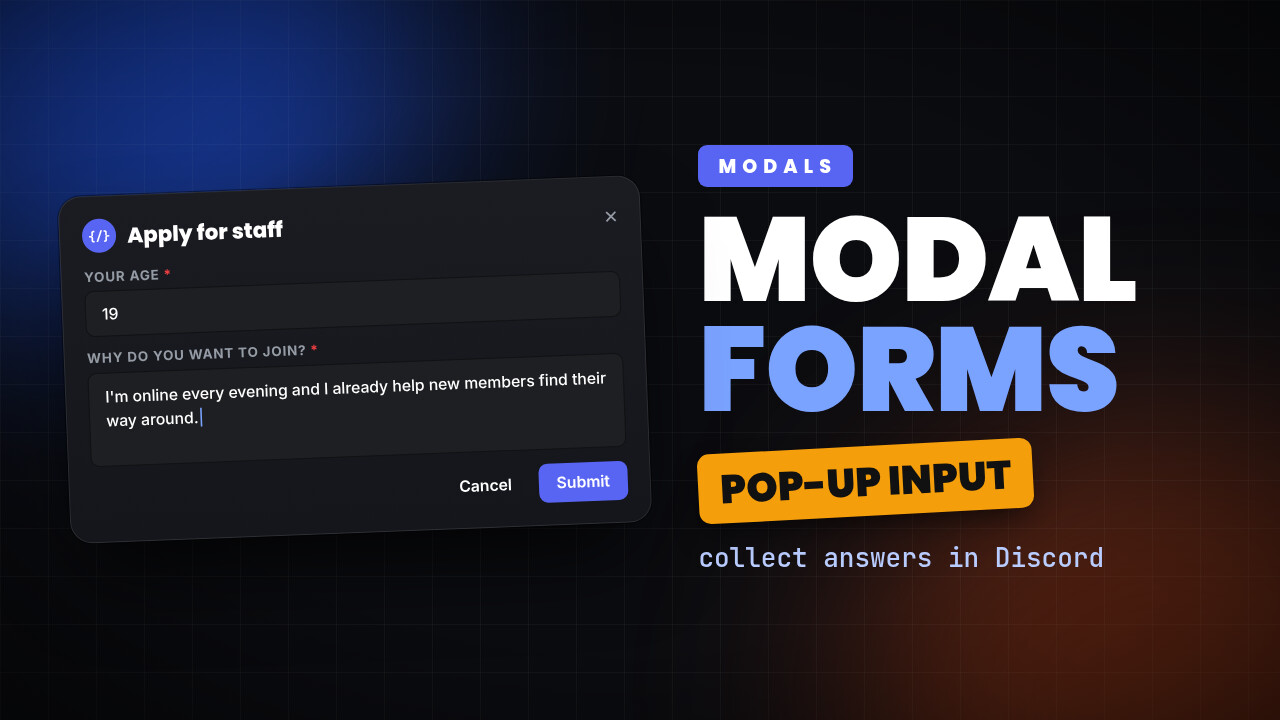
Create a modal command using custom commands bot
in this blog we will learn how we can create a command that sends a modal
1 min read
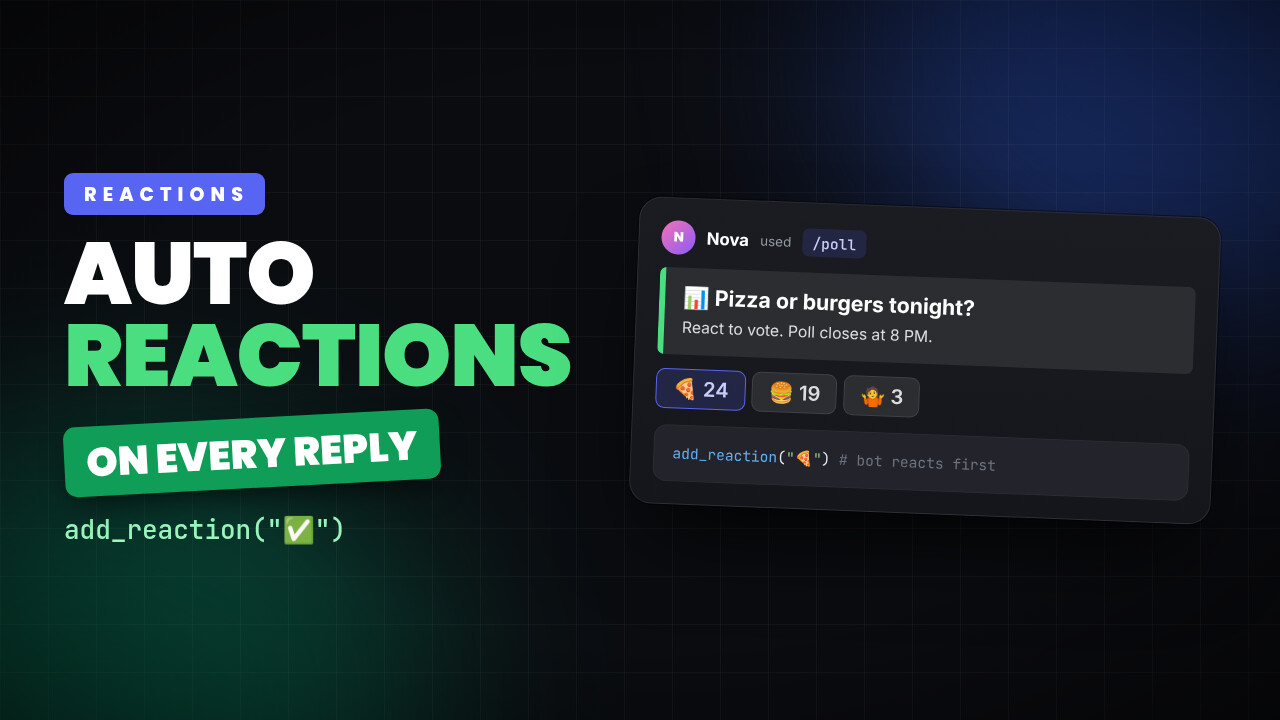
Add reaction to response message using custom commands bot
Lets see how we can add reaction to response
1 min read
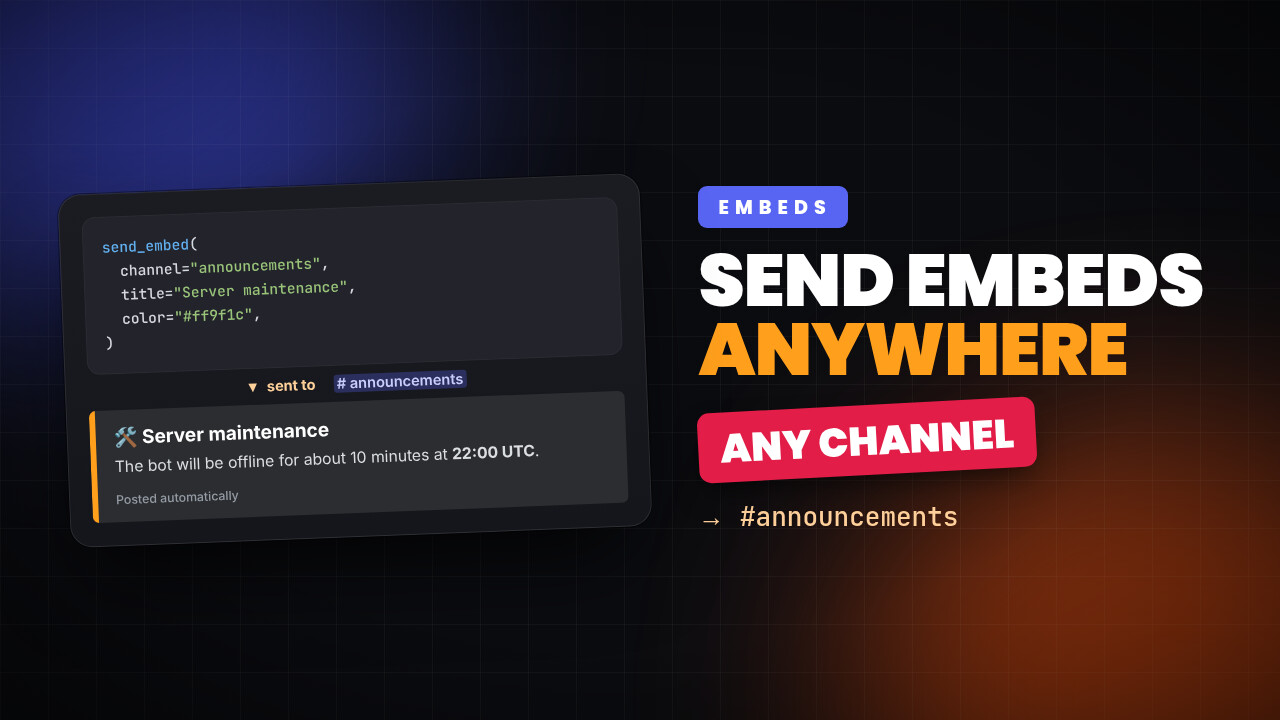
Create and send custom embed to a channel programatically using custom commands bot
To create a embed and send it to a channel programmitically using pre hook
1 min read
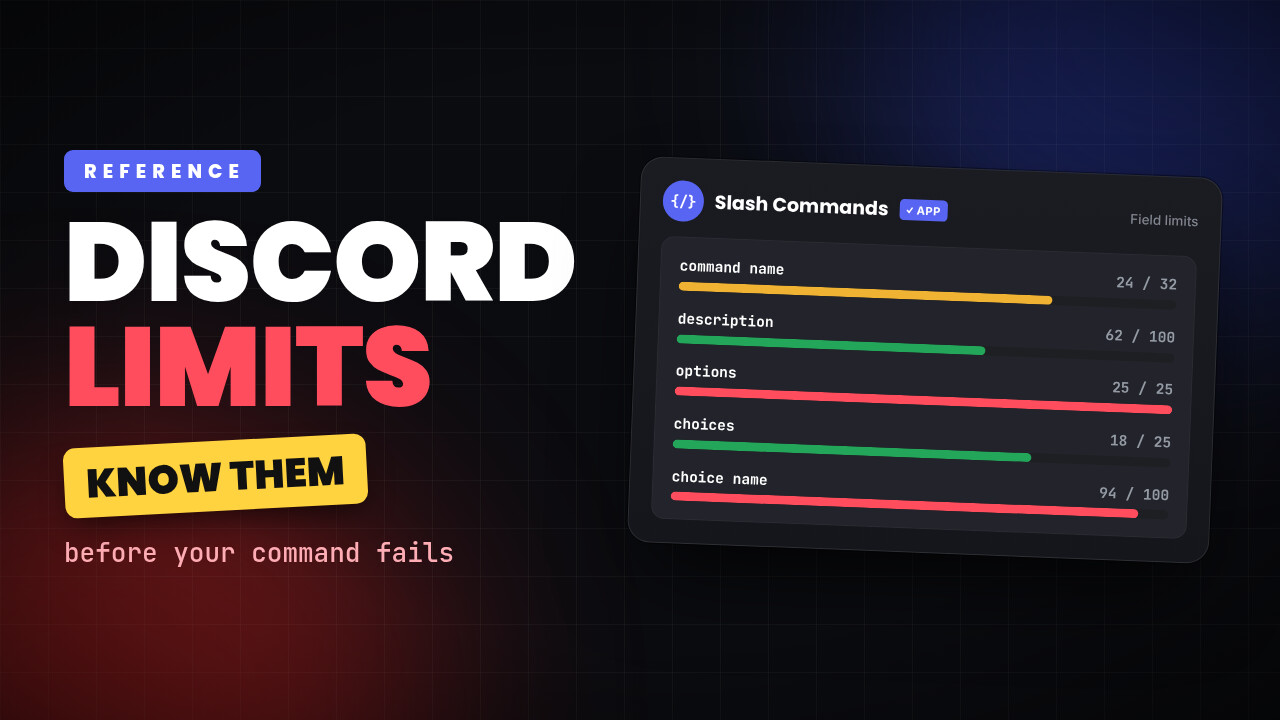
Limits for different fields on slash commands
Lets know about different limits that are enforced by discord
4 min read
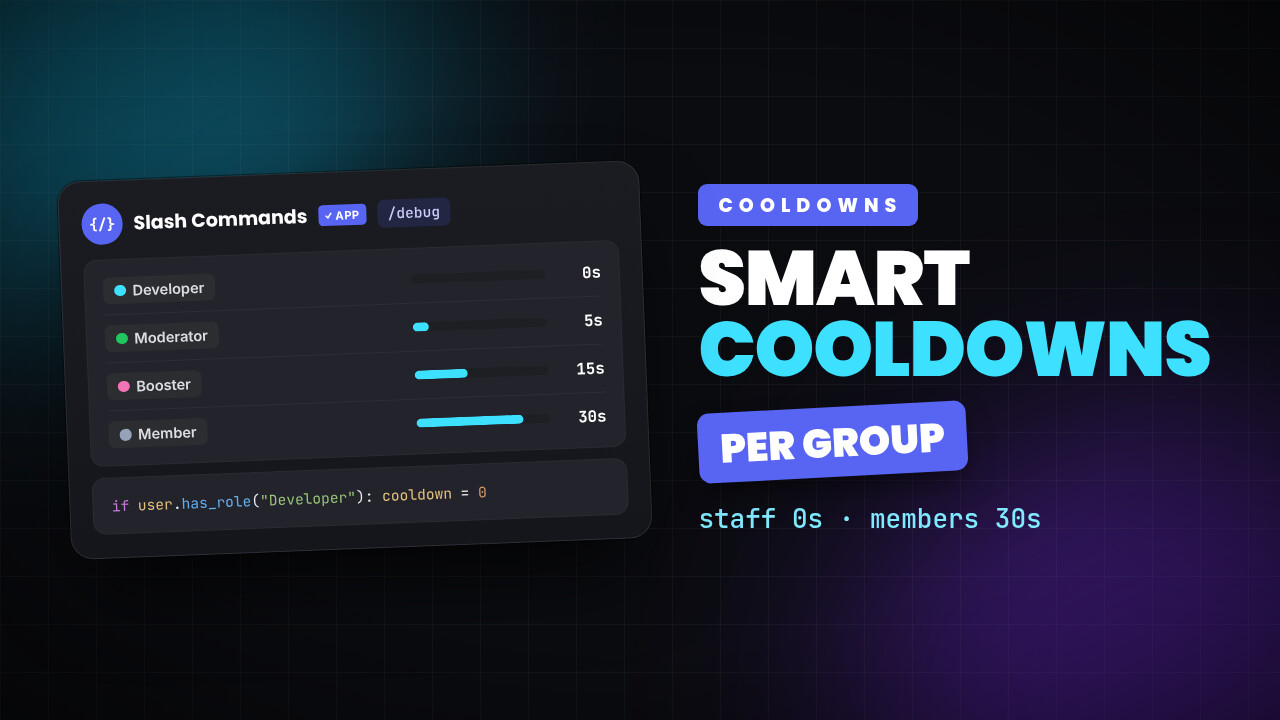
Conditional cooldown for debugging custom commands
Want to have different cooldown for different user groups?
11 min read
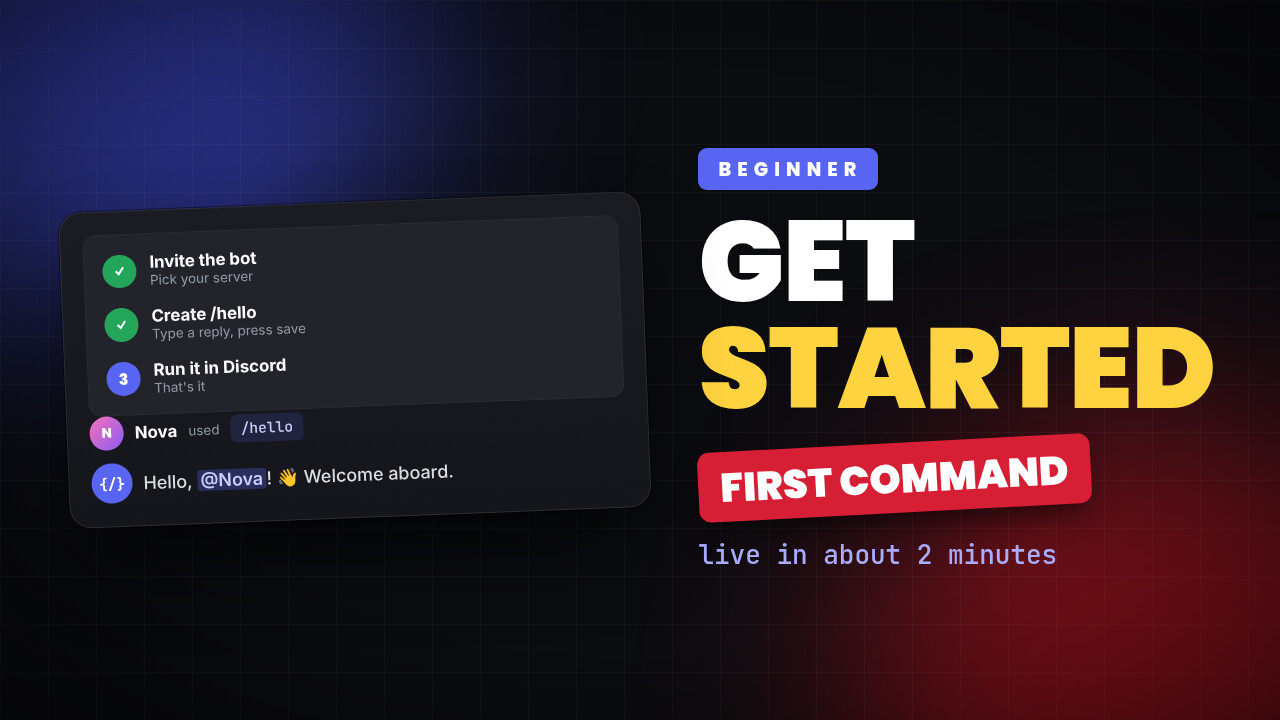
How to use custom commands bot
Basic usage of slash commands bot to start using this bot
7 min read
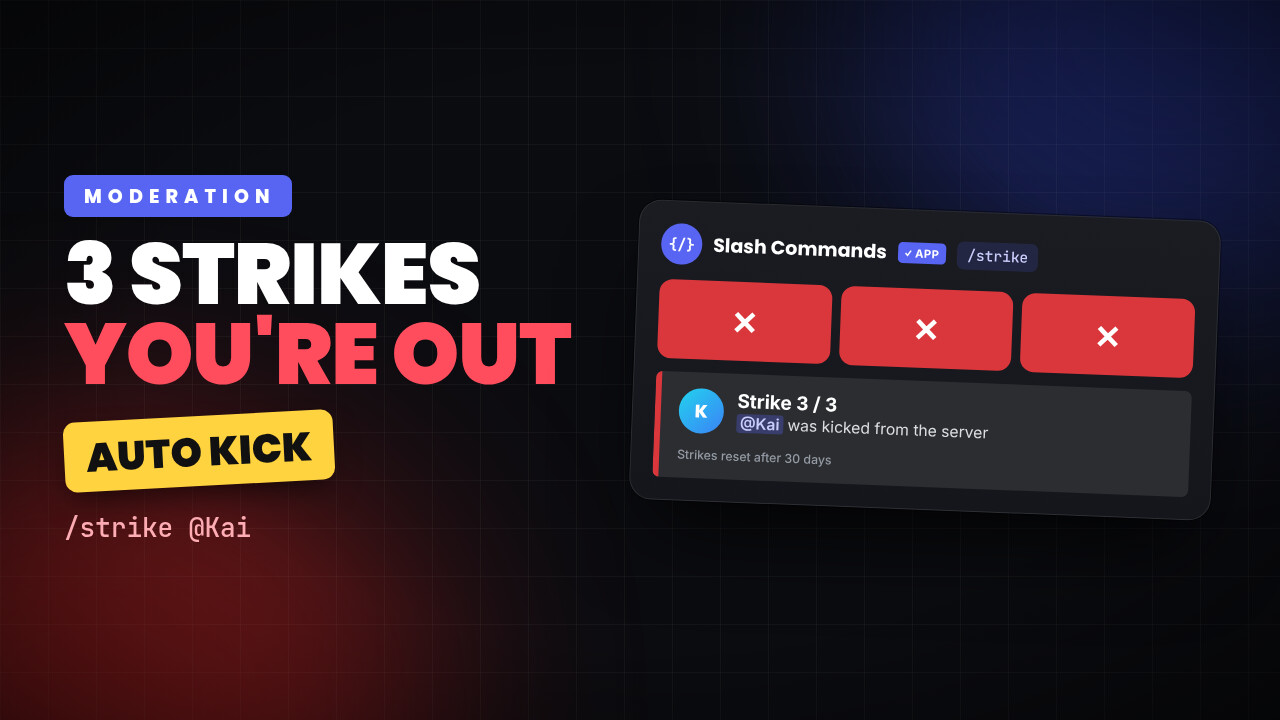
Lets make a strike command using custom commands bot
We are going to make a command which gives a user strike and 3 strike = kick/ban
2 min read
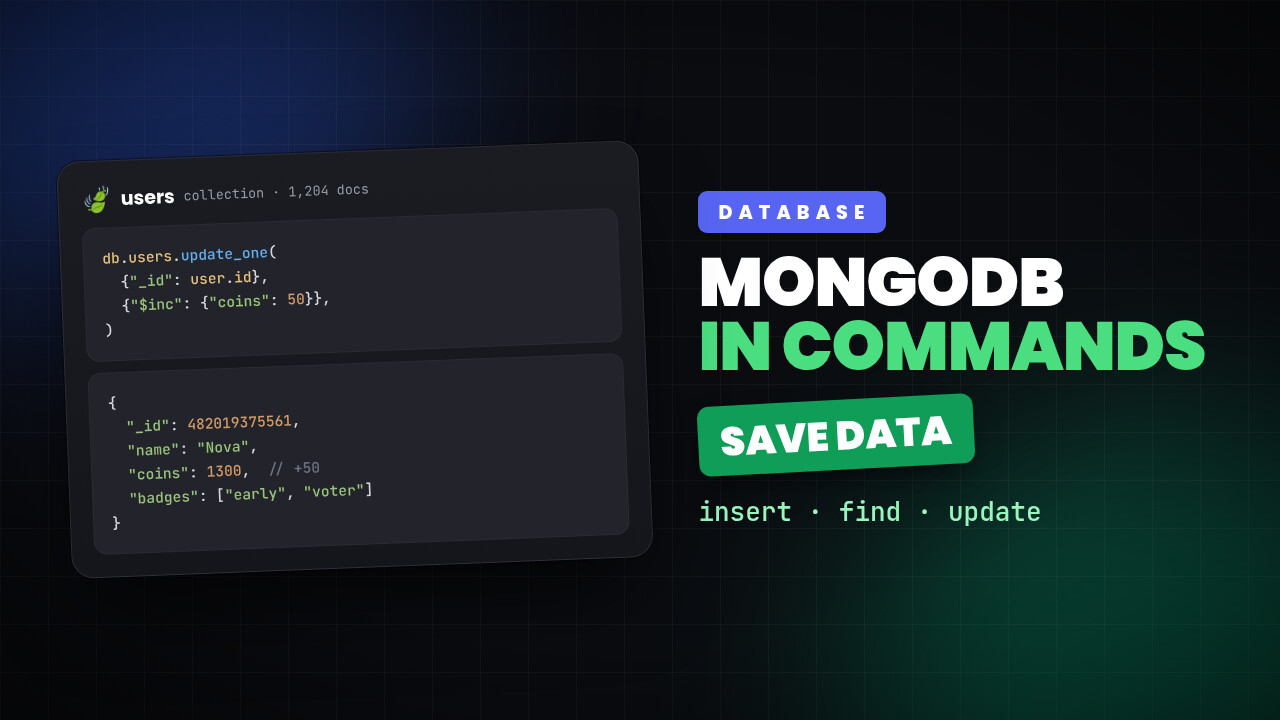
Use MongoDB with custom commands bot
lets see how we can use mongodb database with slash commands
5 min read
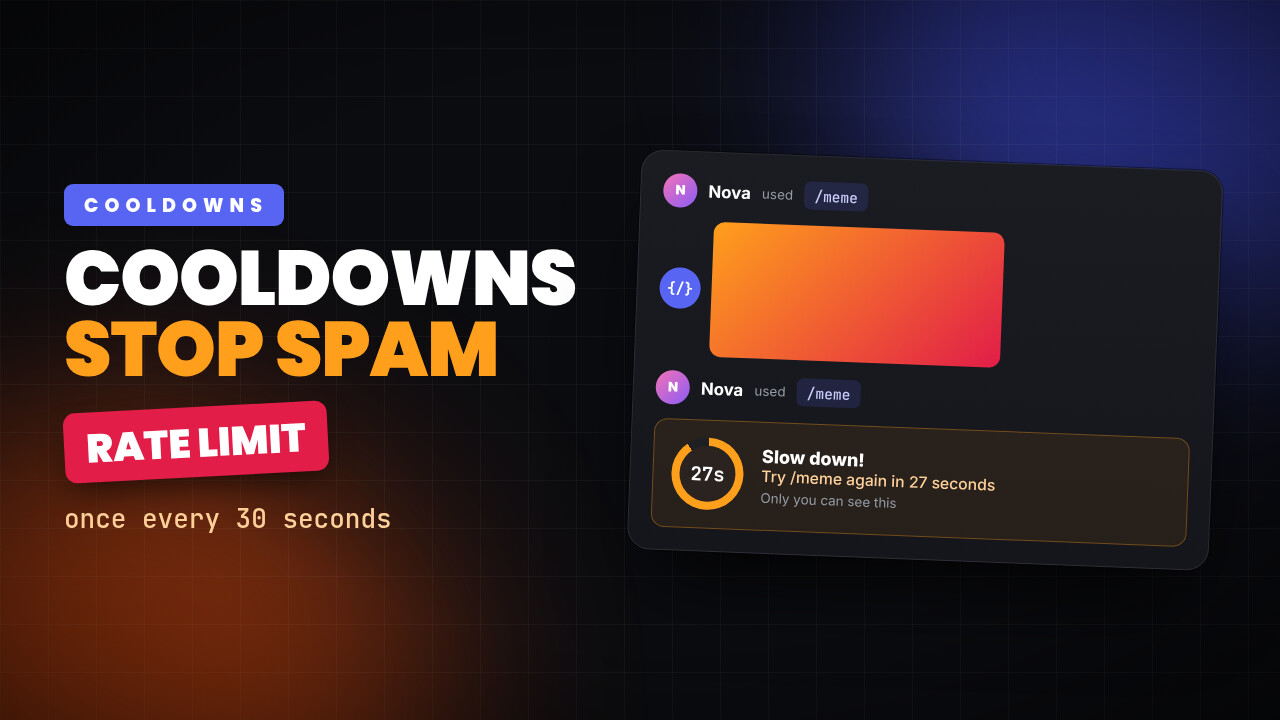
Add cooldown on custom commands
Learn how to add cooldowns to your custom commands and control how often they can be used.
2 min read
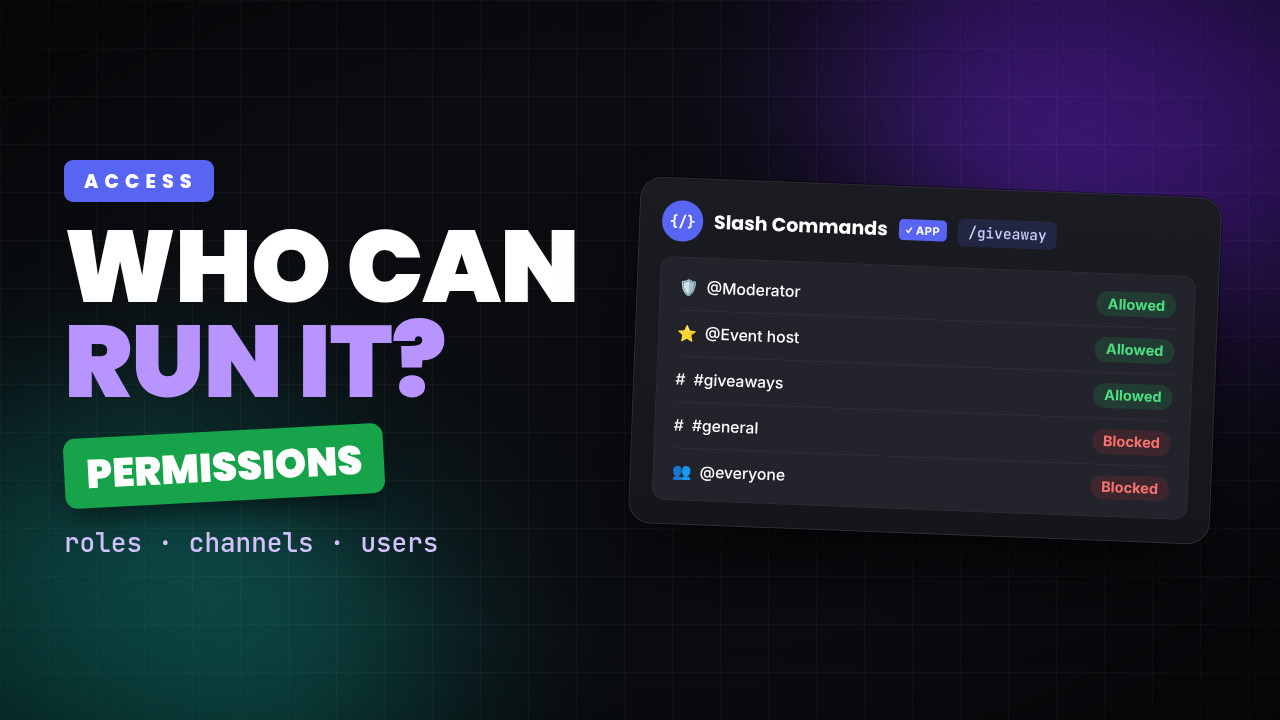
Manage permissions of custom commands
Learn how to manage permissions of a command
7 min read
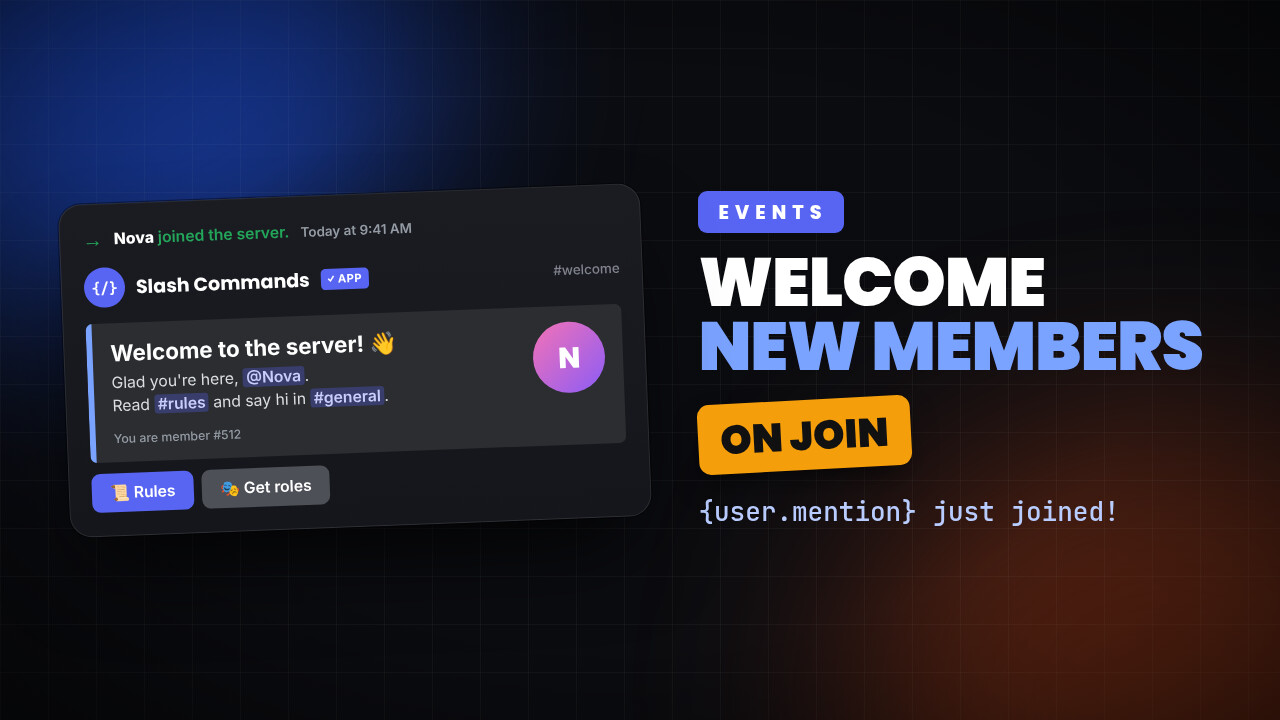
Send welcome message using custom commands bot
How to send welcome message to a user when he joins server