
Discord reaction roles, and everything you can actually do with them
Let members pick their own roles from a message. How to set it up, what the common mistakes are, and the patterns worth stealing.
Md Shahriyar Alam
a month ago
Reaction roles solve a boring but real problem: members want a colour, a ping group or access to a channel, and you do not want to hand those out by hand at 2am.
Post a message, attach emoji to roles, and members serve themselves.
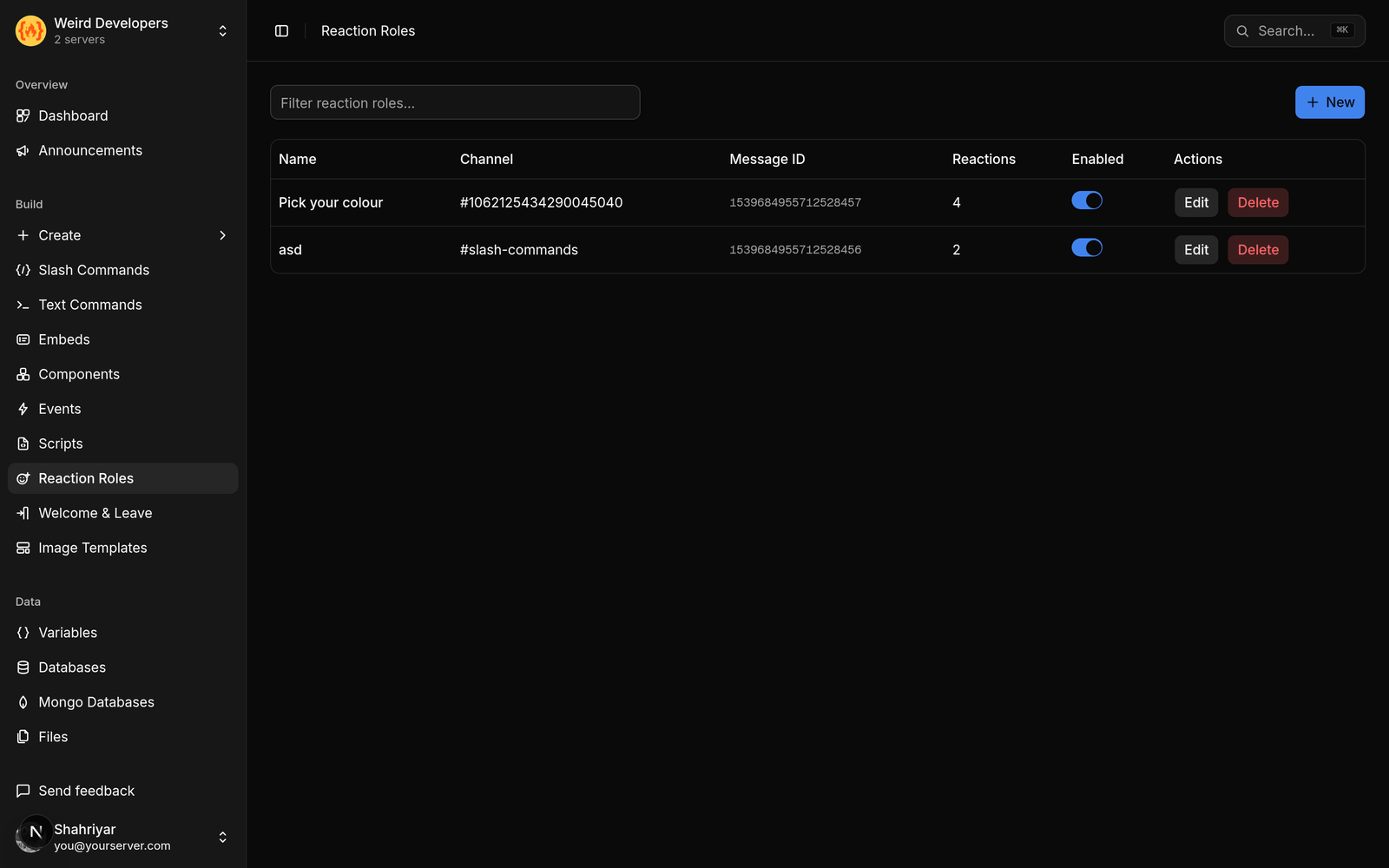
How it is set up
Three pieces:
The message. Any message the bot can see. You point at it by its message id — right-click the message in Discord, Copy Message ID, and paste it in. Developer Mode needs to be on for that option to appear.
The emoji. Which reaction triggers which role. Custom server emoji work as well as standard ones.
The role. What they get. The bot's own role has to sit above the role it is handing out in your role list, or Discord will refuse — this is the single most common reason a correctly configured reaction role does nothing.
Reacting adds, un-reacting removes
Worth being explicit because people assume it is one-way: removing the reaction removes the role.
That is what makes this self-serve rather than a one-time claim. Someone picks a ping group for an event, gets the pings, un-reacts afterwards, and is done. No staff involvement at either end.
The patterns worth stealing
Colour roles. The most common use, and the one that stops the "can I get the purple name" DMs.
Ping opt-in. A message with one emoji per announcement type. Members who want event pings take the role, and your @everyone usage drops to nearly zero — which is the actual win, because a server that pings everyone for everything trains people to mute it.
Game or interest roles. Doubles as channel access if those channels are role-gated.
Pronouns. Low effort, and one of the few settings members notice you bothered with.
Verification. One emoji, one role, and that role is what unlocks the rest of the server. Not a security measure — anyone can click it — but it stops drive-by spam accounts that never interact.
Region or timezone. Useful for scheduling, and lets people find others in their hours.
Mistakes that cost an evening
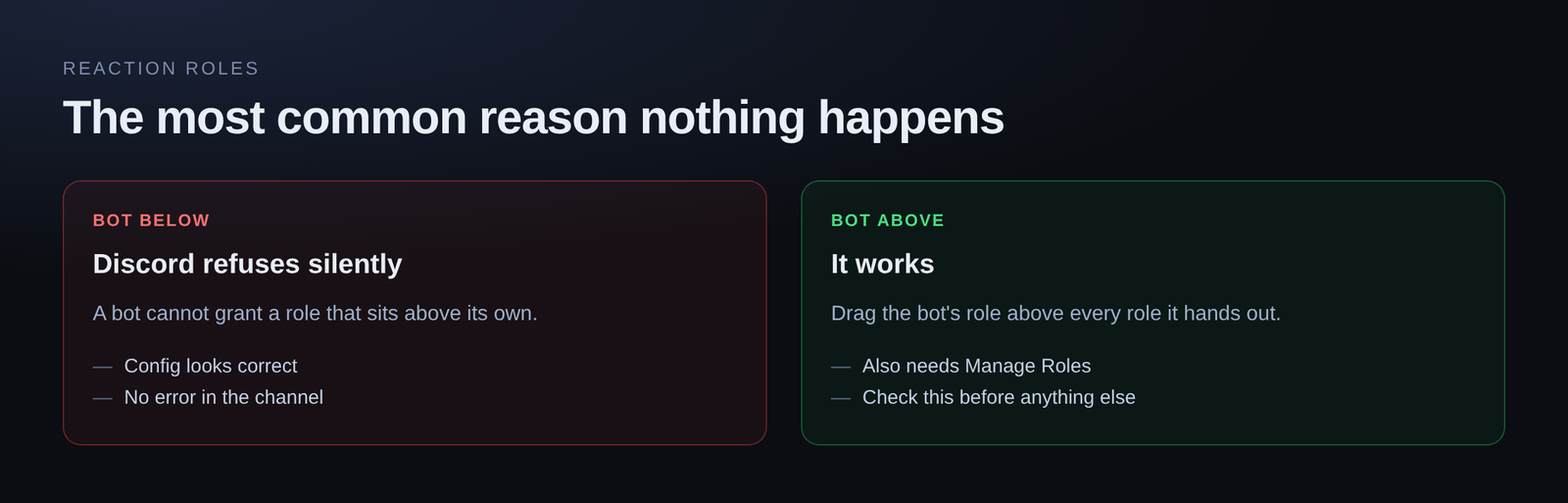
Role hierarchy. Said above, worth saying twice. The bot's role goes above every role it hands out.
Missing Manage Roles. The bot needs the permission. Obvious, and still the second most common cause.
Pointing at the wrong id. A copied channel id looks a lot like a message id. If nothing happens at all, check this before anything else.
Editing the message afterwards. Editing the text is fine. Deleting and reposting is not — the new message has a new id, and your configuration is still pointing at a message that no longer exists.
Too many options on one message. Twenty emoji on a single message is a wall. Split by category across several messages with a header on each.
Roles you should not hand out this way
Anything with real power. Never put a moderator role, Manage Messages, Manage Roles, Kick or Ban behind a reaction. Reaction roles are self-serve by definition, and self-serve moderator is how a server gets destroyed by someone who joined ten minutes ago.
Keep it to cosmetic roles, ping groups and channel access.
How many you get
One reaction role on the free plan, which is enough to try the pattern properly — usually a colour message or a verification gate. Paid plans raise that to 10, 50 and 100 depending on tier, which is roughly "one message", "a few categories" and "as many as you will ever want".
Setting it up
It is a visual form: paste the message id, add emoji and pick the role for each, save. No code, and nothing to keep running afterwards.
Loading comments…