
Discord welcome messages that do more than say hello
A channel greeting, a DM, a generated image card with the member's avatar, and a role on join. How to set all of it up without writing a bot.
Md Shahriyar Alam
a month ago
The first thing a new member sees decides whether they read your rules or lurk and leave. Most servers get one line of plain text out of a bot, which is a wasted moment.
Here is what a welcome can actually do, and how each part is set up.
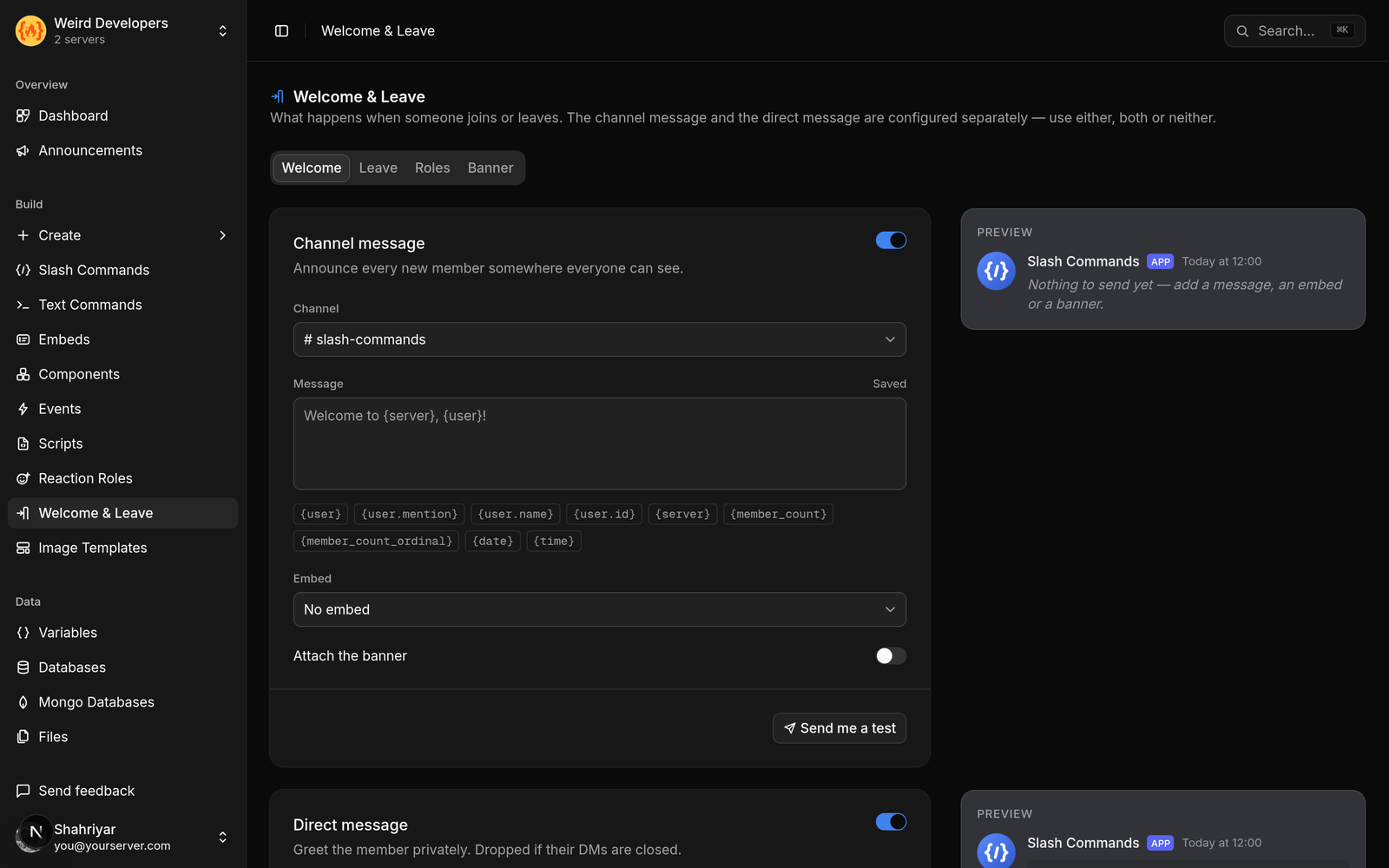
Channel, DM, or both
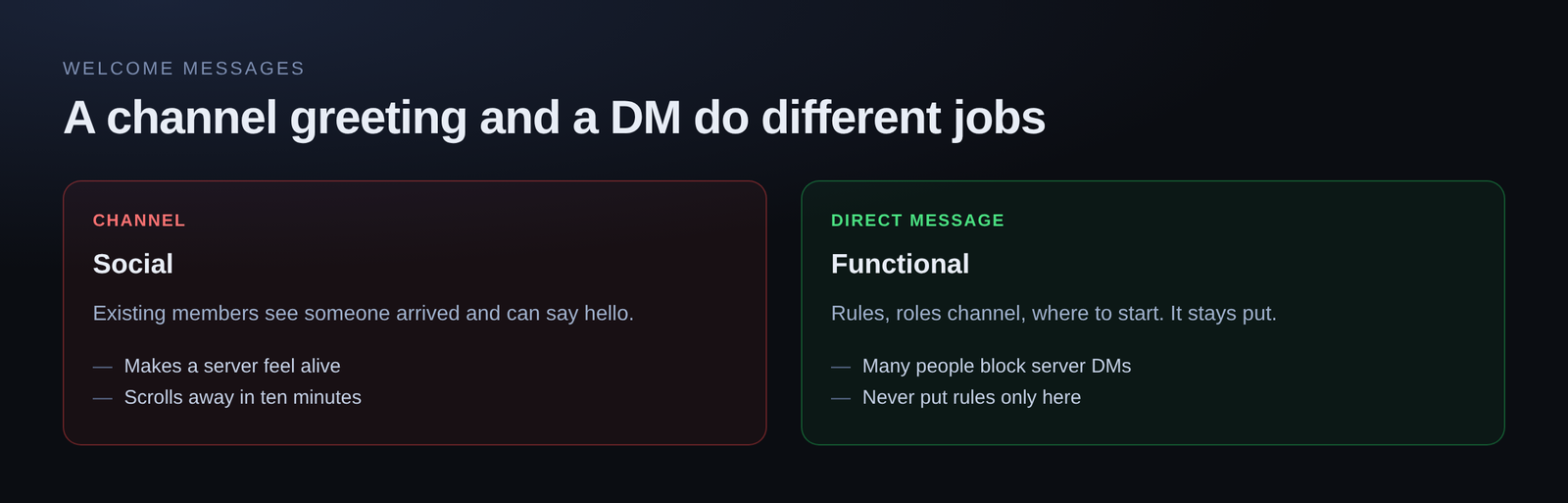
Three placements, and they are not interchangeable.
A channel message is social. Existing members see someone arrived and can say hi. It is the one that makes a server feel alive.
A DM is functional. It is where the rules, the roles channel and the "start here" link belong, because a channel message scrolls away in ten minutes and a DM does not.
Both is the usual answer for a growing server: a short greeting in the channel, the detail in the DM.
One thing to know about DMs: plenty of people have server DMs turned off, and a bot cannot get past that. Design so the DM is a nice-to-have, not the only place your rules exist.
Placeholders
The message supports placeholders that fill in per member — their mention, their name, the server name, the member count. Wrapping a mention in the greeting is worth doing: it pings them, so the message actually reaches their notifications rather than sitting in a channel they have not opened.
Member count is the other one worth using. "You're member #1,284" is a small thing that reliably gets a reaction.
Embeds instead of plain text
A welcome embed gets you a title, a coloured bar down the side, a description with formatting, and a footer. It reads as deliberate rather than automated.
The embed builder shows a live Discord preview as you type, so you are not saving and re-triggering to see what it looks like.
The image card
This is the part people notice: a generated image with the member's avatar, their name and a background you choose.
It is built from an image template. You design the layout once — background, where the avatar sits, where the text goes, fonts and colours — and the template fills in the member's details each time it renders. Every new member gets their own card without you doing anything per-person.
Templates take variables, so the same design can be reused. The welcome card and a /rank card can share a layout with different values.
Roles on join
Two related settings, and the second one is the interesting one.
Give a role on join is the standard autorole: everyone who arrives gets a role. Useful for a default colour, or for gating channels behind a verification step.
Retain roles on leave is the one most bots do not have. If a member leaves and comes back, their roles come back with them.
That sounds like a convenience. It is actually a moderation feature. Consider a muted member: mute is a role, they leave the server, they rejoin, and the role is gone — they have unmuted themselves by pressing leave. Retaining roles closes that hole. It also saves re-verifying returning regulars, which is the friendly half of the same setting.
Leave messages
The same system handles departures. Worth keeping short and unemotional — a leave message that editorialises is a bad look when someone leaves for ordinary reasons.
Most servers post these to a staff-only log rather than the main channel. Seeing every departure in general does nothing good for the mood.
Test it before you trust it
Use the test send. Do not wait for a real member to discover that the channel is wrong or the image template renders with the placeholder still in it.
The one thing a test cannot cover is the DM, since the bot is DMing you and you already share a server. Ask someone else to check that path.
Free plan
Welcome messages, embeds and image templates are all on the free plan, no card required.
Loading comments…