
Generated images in Discord: rank cards, welcome cards and anything else
Design a layout once, and the bot renders it fresh for each member with their avatar and their numbers. How image templates work and where they pay off.
Md Shahriyar Alam
a month ago
Text does a lot in Discord, and then you see a server posting a proper card with the member's avatar on it and everything you have looks plain.
That is a generated image, and it is less work than it looks.
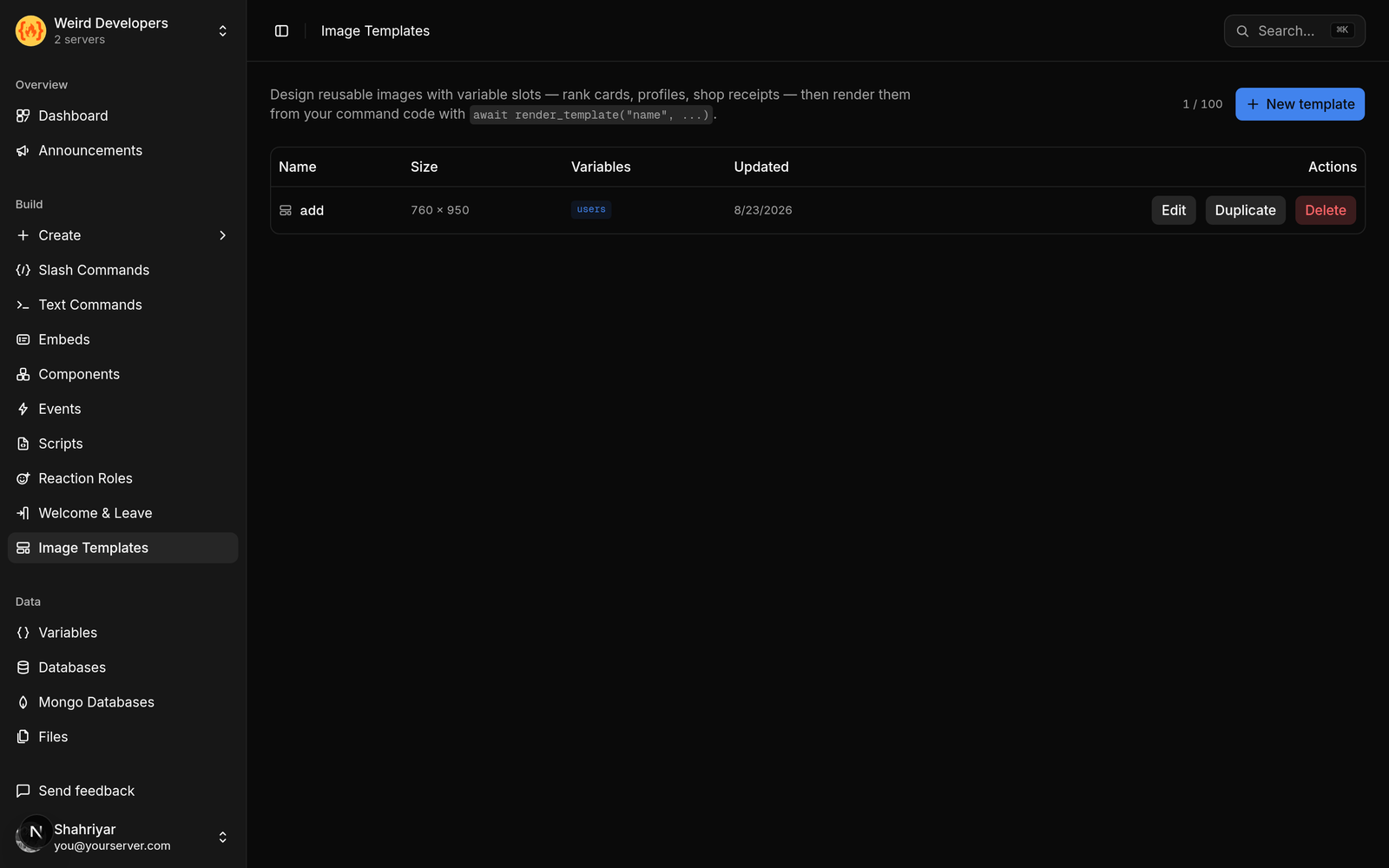
What a template is
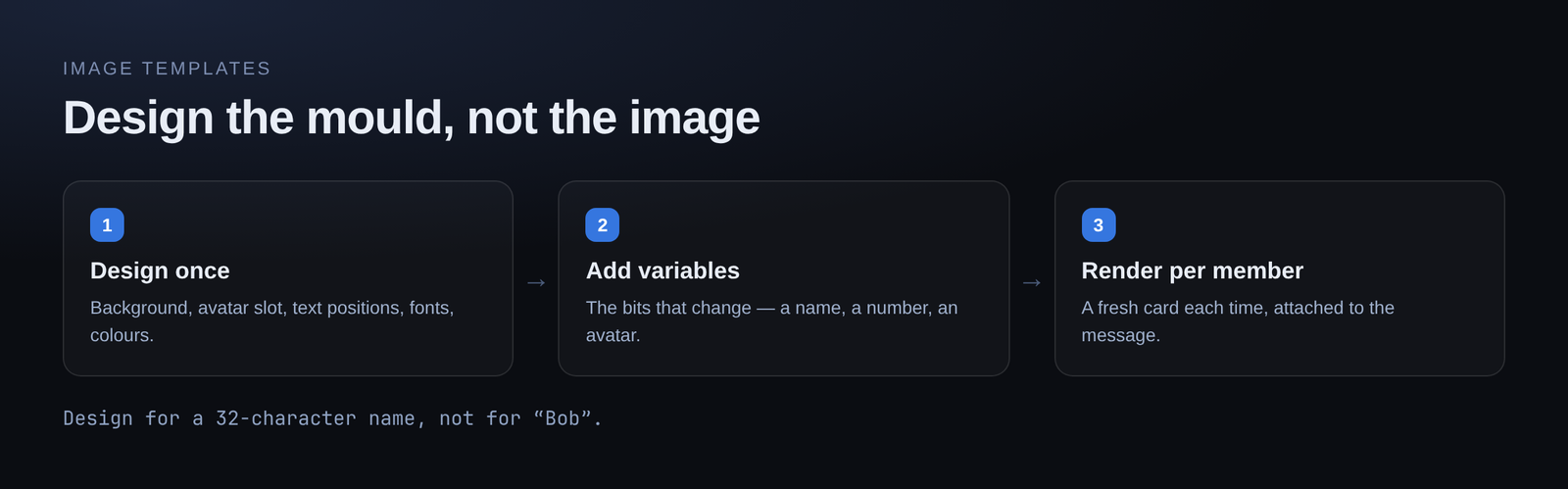
You design a layout once: a background, where the avatar goes, where each piece of text goes, fonts, sizes, colours.
The template has variables — the bits that change. A name, a number, an avatar URL. When the bot renders it, those get filled in and you get a fresh PNG for that member.
One design, unlimited outputs. You are not making an image per person; you are making the mould.
What people use it for
Welcome cards. The most common. Avatar, name, member number, over a background that matches your server.
Rank and level cards. Avatar, level, a progress bar, a position. This is the one that makes a levelling system feel like a game rather than a number in a message.
Achievement and reward cards. Something visual when a member hits a milestone.
Profile cards. Balance, streak, roles, whatever your server tracks.
Announcement banners. Same headline layout, different text each time, instead of hand-editing an image in Photoshop for every post.
Two kinds of variable
Worth understanding, because it changes how you design.
Fixed values are one-per-render: a name, a level, a score. One slot in the design, one value.
Lists are repeated: a leaderboard card with ten rows, or a shop card with several items. The design defines what one row looks like, and the renderer repeats it.
If you find yourself making ten near-identical slots by hand, you want a list.
Design notes that matter
Avatars are square, and members expect circles. Mask it round unless you want a deliberately blocky look.
Leave room for long names. Discord names go up to 32 characters. Design with the longest plausible name, not with "Bob". A card that looks great in testing and clips half your members' names is worse than plain text.
Contrast against the background. A busy background image plus thin light text is unreadable at Discord's display size. Darken the background behind the text, or use a solid panel.
Test at the size it will actually be shown. Cards get scaled down in chat. Detail that reads at full size disappears.
Where the images end up
The rendered image is attached to the message, so it appears inline. Nothing for you to host.
Pair it with an embed and the card becomes the image while the text sits in the description — a welcome that greets in words and shows in pictures at the same time.
Using one from a command
Templates are not limited to welcome messages. Any command can render one.
That is what makes /rank, /profile and /balance interesting: the same numbers you were about to print as text become a card. The command works out the values, hands them to the template, and posts the result.
When not to bother
If the information is a single number, a card is decoration. /ping does not need a poster.
Cards earn their place when there are several values with a relationship — a level and progress toward the next, a balance and a rank, a name and an achievement. Otherwise text is faster to read and faster to send.
Free plan
Image templates are included on the free plan, along with welcome messages and embeds.
Loading comments…