
Giving a Discord command memory, so it remembers each member
Most bot commands forget everything the moment they finish. Here is how a command keeps a balance, a streak or a profile per member, between runs.
Md Shahriyar Alam
a month ago
Most commands are stateless. Someone runs /roll, it answers, and nothing about that run survives. That is fine for a dice roll and useless for almost anything else people actually want.
A balance. A streak. A warning count. A profile. All of them need the command to remember something after it finishes, and to find that something again next time.
This is one plain slash command. No events, no listeners.
Where the data lives
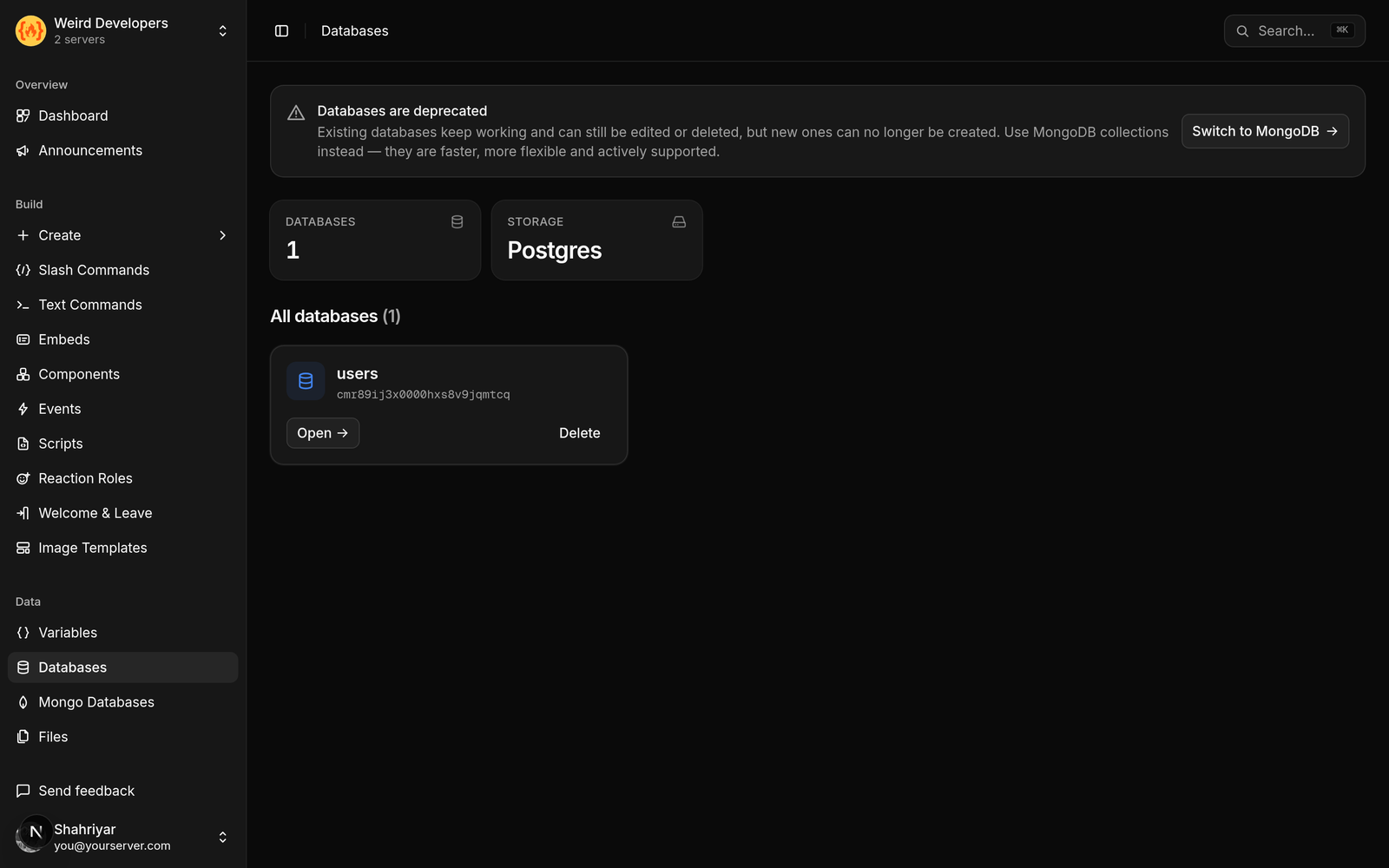
Your server gets its own storage, separate from every other server using the bot. You open a collection by name:
db = SlashMongo("economy", "balances")Two names: the database and the collection inside it. Think of the collection as a table — one for balances, another for profiles, another for warnings. Keep them separate rather than putting everything in one, for the same reason you would not put every table in a spreadsheet on one sheet.
Keying by member
The important decision is what identifies a row. For anything per-person, that is the member's id.
row = collection.find_one({"user_id": user.id})Using the id rather than the name matters. People change their username and their nickname, and both are different from their id, which never changes. Key on the name and someone loses their balance the day they change their display name.
The shape of most of these commands
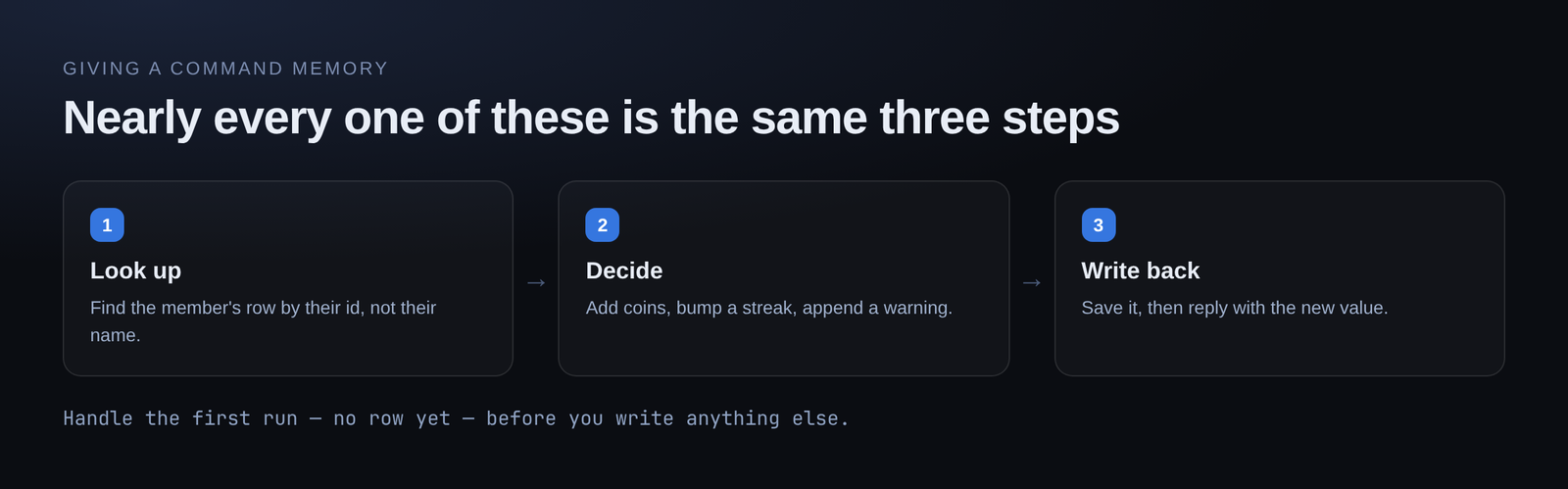
Nearly every "remember something" command is the same three steps:
- Look up the member's row
- Decide what changes — add coins, increment a streak, append a warning
- Write it back, then reply with the new value
/balance is step 1 and a reply. /daily is all three. /give is all three, twice, for two different members.
If you would rather not write the storage code by hand, describe what you want instead. The AI builder takes "a balance command that shows how many coins the member has, defaulting to zero if they have never claimed" and drafts it. You then read what it wrote and adjust.
Handle the first run
The single most common bug in this kind of command: a member runs it for the first time, has no row, and the command errors on a value that is not there.
Decide what "no row yet" means before you write anything else. Usually it is a zero balance, an empty profile, a streak of one. Handle that case first and the rest of the command gets simpler.
Per-member versus per-server
Not everything should be keyed to a member. Some things belong to the whole server: a jackpot, an event countdown, a shared counter.
Same storage, different key. Use server.id instead of user.id and the row belongs to the server. Worth being deliberate about which one you want, because getting it wrong is not obvious until two people interfere with each other.
Pair it with a cooldown
Memory and cooldowns go together. A command that hands out a reward needs both: the storage to remember the balance, and a cooldown so it cannot be claimed twenty times in a row.
cooldown("1 day", key=user.id, error_message="Already claimed. Come back in %time%")Keyed to user.id, so each member has their own timer rather than sharing one with the whole server.
What people build with this
- Economies: balances, shops, daily rewards, transfers
- Streaks and check-ins
- Warning counts that persist across staff
- Per-member profiles and settings
- Suggestion and vote tallies
- Anything with a leaderboard, which is just this plus a sort
Free plan
The free plan includes 1 database and 200 command runs a day, no card required. Enough to build a working economy and see whether your server actually uses it before paying for anything.
Loading comments…