
How to make a Discord daily reward command with a real cooldown
Most bots give every server one shared cooldown. Here is how to build a /daily where each member has their own timer, without hosting anything.
Md Shahriyar Alam
a month ago
Almost every Discord server ends up wanting a /daily command. Someone claims a reward, gets some coins, and has to wait a day before claiming again.
It sounds simple. It is the exact thing most bots cannot do properly.
Why the usual bots get this wrong
A cooldown is only useful if it is per member. Your reward command should stop you claiming twice, not stop the whole server because one person claimed thirty seconds ago.
Plenty of bots only offer a global cooldown, or a per-command cooldown that everyone shares. That turns a reward into a race.
What you actually want is a timer that belongs to each person, remembers them between runs, and survives a bot restart.
The whole thing is one line
In Custom Commands, a per-member cooldown looks like this:
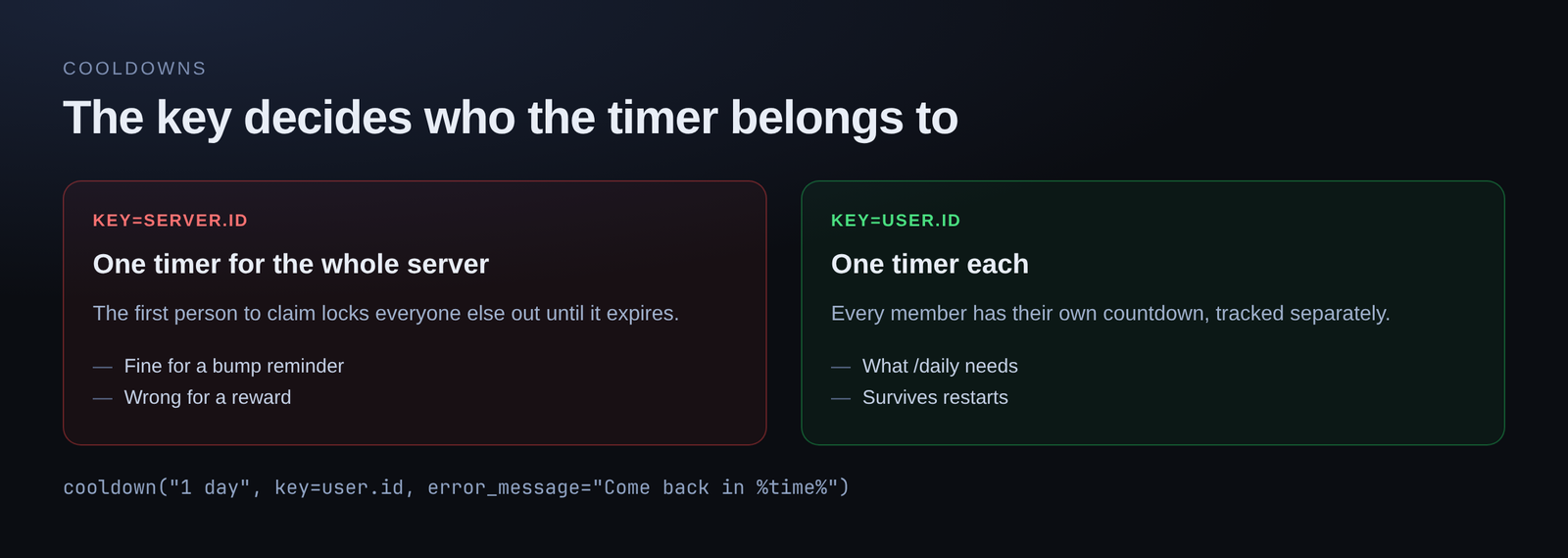
cooldown("1 day", key=user.id, error_message="Already claimed. Come back in %time%")That is the entire mechanism. Three parts worth understanding:
The duration — "1 day" is written the way you would say it. "30 seconds", "5 minutes", "12 hours" all work.
The key — this is the important one. key=user.id means the timer belongs to that member. Swap it for key=server.id and the cooldown becomes server-wide instead, which is occasionally what you want for something like a bump reminder.
The message — what someone sees when they are too early. %time% is replaced with how long is left.
The placeholders
There are a few, and picking the right one changes how the message reads:
| Placeholder | Renders as |
|---|---|
%time% | the bare duration left, e.g. 4 hours |
%relative% | a phrase, for sentences like "come back %relative%" |
%at% | the clock time it unlocks |
%timestamp% | a Discord timestamp that counts down live |
%timestamp% is the nicest of them, because Discord renders it in each viewer's own timezone and updates it without you doing anything.
Adding the reward itself
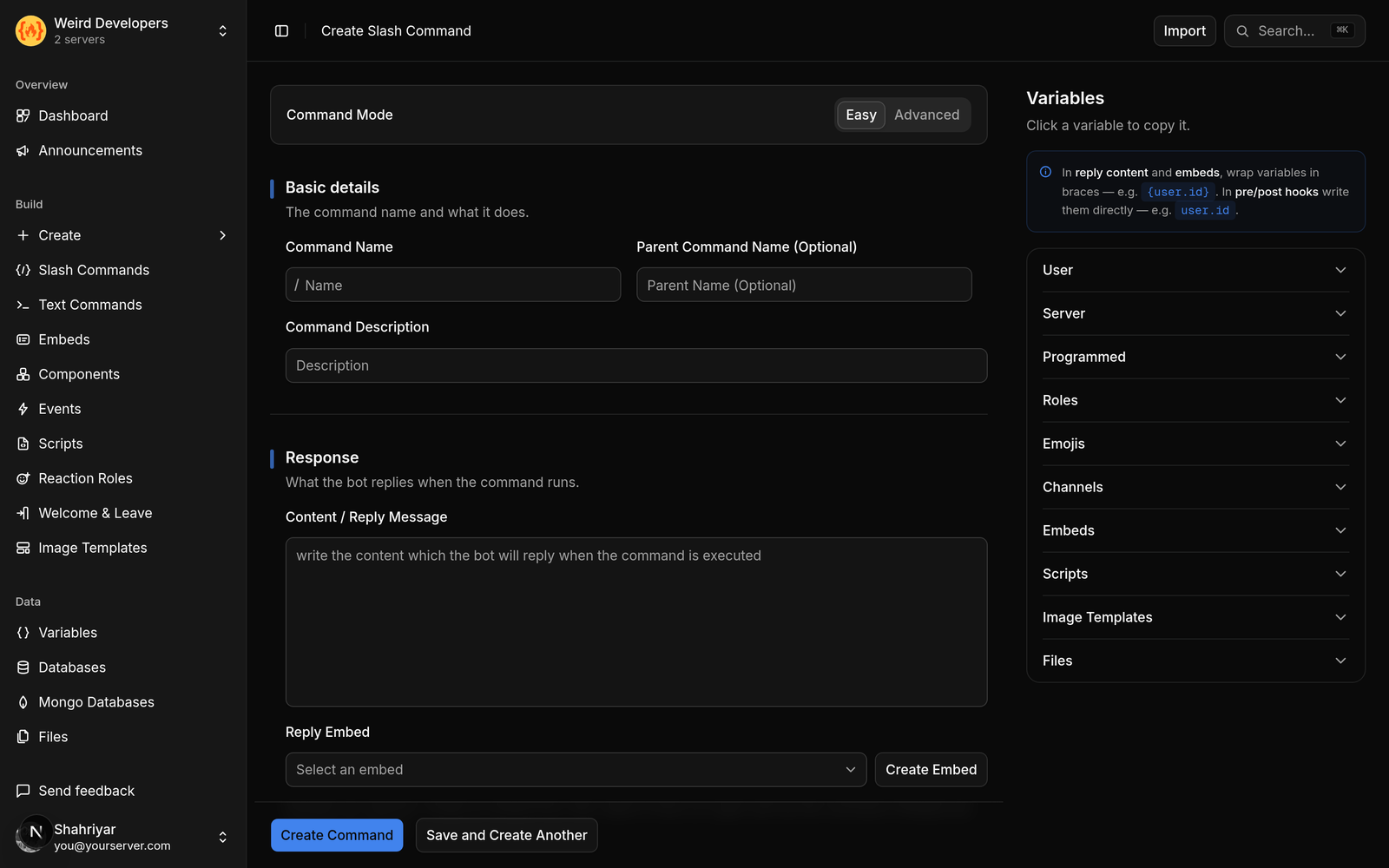
A cooldown on its own gates the command. To make it a reward, the command needs somewhere to keep each member's balance.
That is what a per-server database is for. Your commands get their own storage, so a balance written today is still there next week:
db = SlashMongo("economy", "balances")From there the command reads the member's row, adds to it, and replies with the new total.
If you would rather not write that part, describe it instead. The AI builder takes a sentence like "a daily command that gives 100 coins once a day and remembers each member's balance" and drafts the command for you. You can then read what it wrote, change the number, and save.
Cooldowns after a set number of runs
Cooldowns are not limited to one-per-period. They also take a count, which is how you build "three times an hour" rather than "once an hour":
cooldown("1 hour", key=user.id, count=3)That is the pattern for a /report command you want available but not spammable.
Try it on the free plan
You do not need premium for any of this. The free plan gives you 5 slash commands, 10 text commands, 10 embeds and 200 command runs a day, with no card required.
Build the command, run it in your server, and claim twice in a row to watch the cooldown do its job.
Loading comments…