
Run your commands on your own Discord bot, with your name and avatar
Keep every command you have built, but have them run under a bot with your server's name, your avatar and your own rate limits.
Md Shahriyar Alam
a month ago
There is a point where a shared bot starts to look wrong in your server. You have built twenty commands, they are yours, they do things nobody else's server does — and the thing running them is called something generic with someone else's avatar.
A custom bot fixes that without you rebuilding anything.
What it actually changes
The name and avatar. Your commands run under a bot you created, called whatever you want, wearing whatever image you want. In the member list, in every reply, in the audit log.
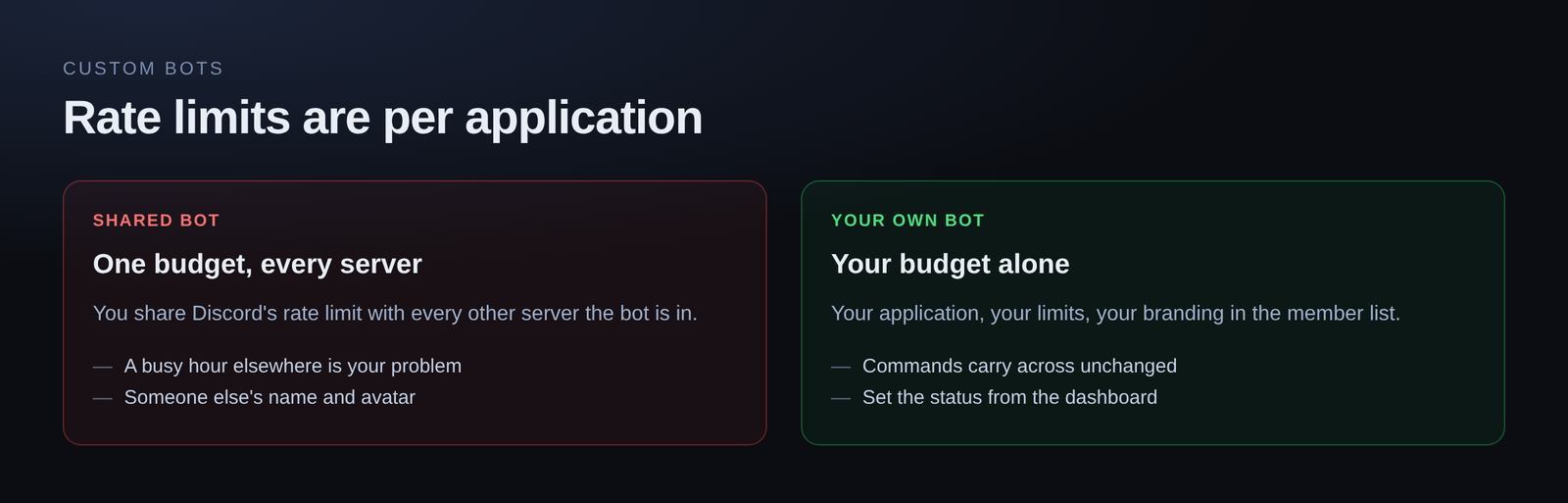
The rate limits. This is the part people underestimate. Discord applies rate limits per bot application. On a shared bot you are sharing that budget with every other server it is in. Your own bot has its own budget, so a busy hour somewhere else is not your problem.
The status. You set what it shows under its name — Playing, Watching, Listening to, Competing in — plus the text. Changed from the dashboard, applied in seconds, no redeploy.
What does not change
Everything you have built. Commands, embeds, welcome messages, reaction roles, image templates, stored data. They keep working exactly as they were.
You are swapping which account delivers them, not rebuilding them.
Setting it up
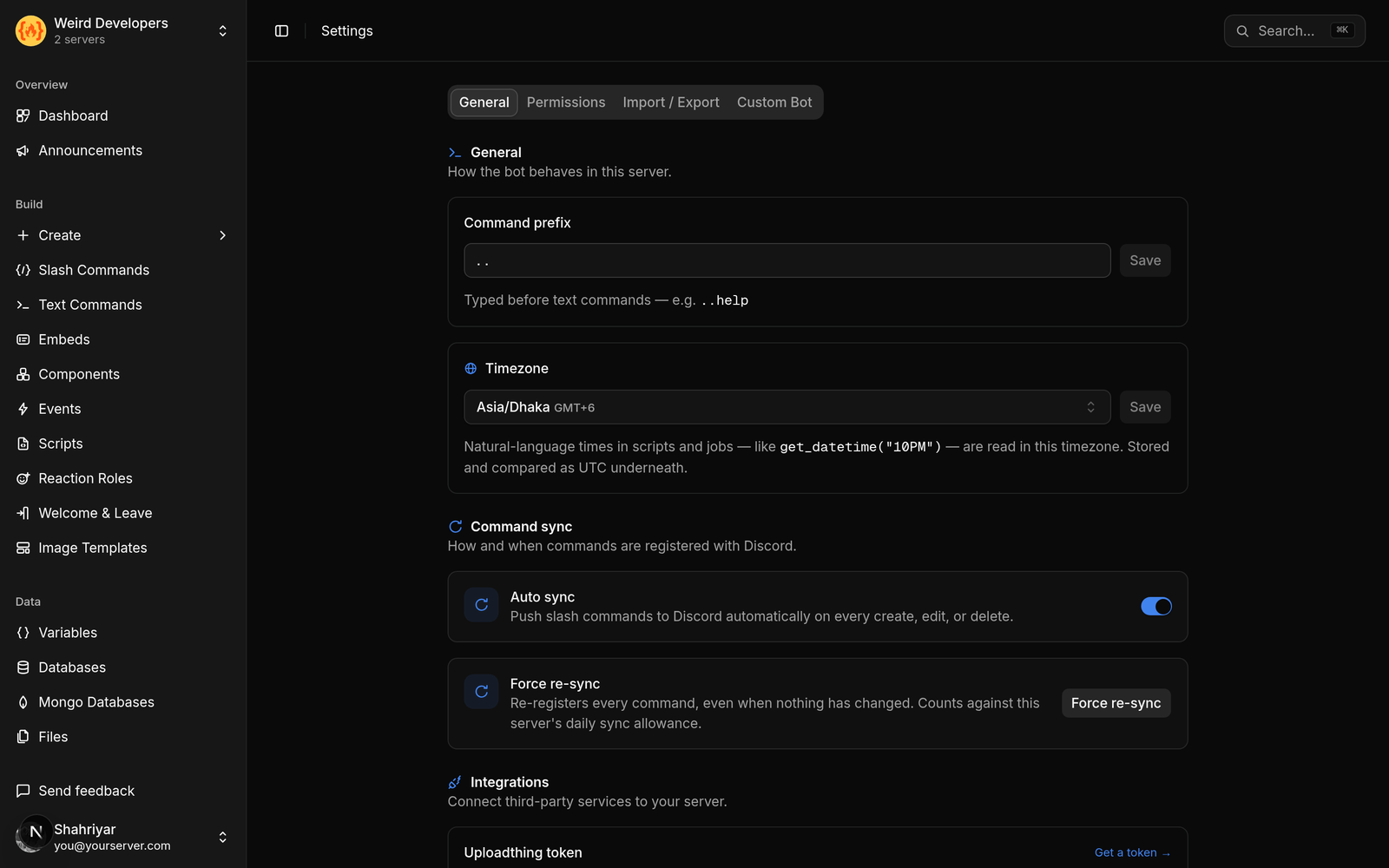
- Create an application in the Discord Developer Portal and add a bot to it
- Copy the token
- Paste it into the dashboard
- Invite your bot to the server
- Remove the shared bot
That is the whole process. The commands re-register onto your bot automatically.
About that token
Worth understanding what happens to it, because you are handing over something powerful.
The token is encrypted before it is stored and is never shown again — not to you, not in the UI, not anywhere. If you need to change it, you reset it in the Developer Portal and paste the new one. There is no "reveal" button, on purpose, because a token you can display is a token that can leak from a screenshot.
Two habits worth keeping regardless of which bot you use: never paste a token into a chat, and reset it immediately if you think it has been seen. A Discord bot token is a password for your bot, and anyone holding it can do anything the bot can.
The trade-offs, honestly
You own the uptime story. If your bot's token is reset or revoked, your commands stop until you paste a new one. On a shared bot that is not something you can break.
Two bots for a moment. During the switch both are in the server. Remove the shared one when you are done to avoid duplicate replies.
Your avatar, your responsibility. Members will read your bot's behaviour as yours, which is the point, and also means a broken command reads as your fault rather than a third party's.
Who it is worth it for
Community servers with an identity. If your server has branding, a generic bot in the member list undercuts it.
Anyone running a service. If your Discord is part of a product, a bot with your name is the difference between looking assembled and looking built.
High-traffic servers. The rate limit argument on its own justifies it once you are busy enough to notice.
If you are running five commands in a server of forty friends, the shared bot is fine and you should keep your money.
Availability
Custom bots are on the Advanced plan at $5.99 a month, which also includes unlimited command runs, unlimited events, 200 scripts and 30 days of log retention.
Loading comments…