
Slash commands or prefix commands? When each one is the right call
Slash commands are discoverable and validated. Prefix commands are fast to type and work where slash commands cannot. Most servers want both.
Md Shahriyar Alam
a month ago
Discord pushed slash commands hard enough that a lot of servers assume prefix commands are dead. They are not, and the servers running both are usually the ones that thought about it.
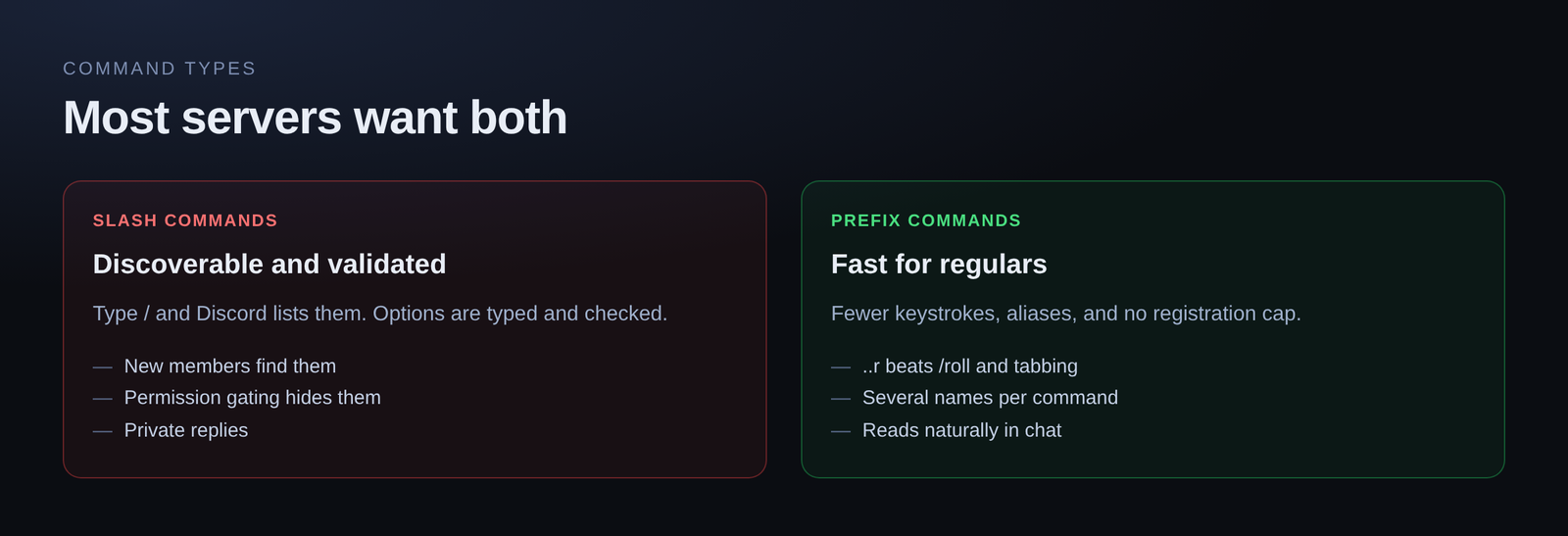
What slash commands give you
Discoverability. Type / and Discord lists every command available, with descriptions. Nobody has to be told what exists, and your #commands channel stops being a thing you maintain.
Validated input. Options are typed. A member option gives a picker, a number option rejects letters, a required option cannot be skipped. Your command receives something valid or it does not run.
Permission gating. Set the permissions a command needs and Discord hides it from everyone else. Not an error message — hidden. That is a stronger guarantee than any check you write.
Ephemeral replies. A reply only the invoker sees. No equivalent for prefix commands.
They look official. Slash commands render in the client's own UI, which matters more than it should for how a server feels.
What prefix commands still win at
Speed for regulars. ..r beats /roll and then tabbing through options, for someone who runs it forty times a day.
No registration limit. Discord caps how many slash commands an application can register. Prefix commands are just messages, so there is no ceiling.
Aliases. One command, several names. Slash commands are one name each.
They work in more places. Slash commands need the application to be authorised. In edge cases — old permission setups, certain integrations — a plain message still gets through.
They read naturally in chat. For a fun command, ..hug @someone reads better than the slash equivalent.
The honest split
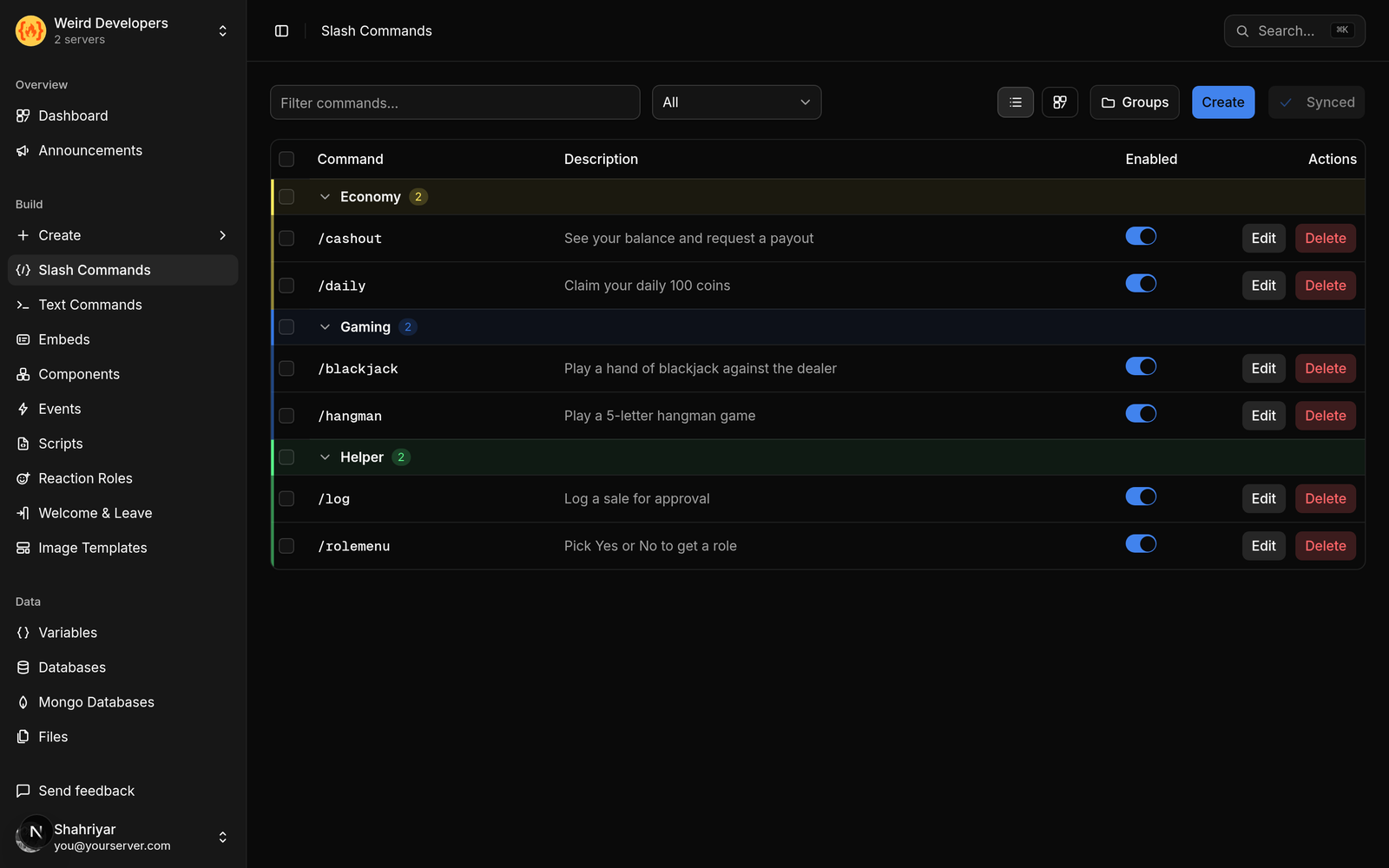
Use slash commands for anything a new member might run, anything taking structured input, anything moderation-related, and anything where a private reply matters.
Use prefix commands for high-frequency shortcuts your regulars already know, fun commands, and aliases of things that also exist as slash commands.
Most servers end up with a handful of slash commands that define what the bot does, and a scattering of prefix commands people type without thinking.
Pick a prefix that does not collide
If you run more than one bot, prefixes collide, and two bots answering one message is a mess.
! and . are the most contested. Something less common, or a two-character prefix, avoids the problem entirely. Whatever you pick, put it somewhere visible — a channel topic or your welcome message — because a prefix nobody knows is a command nobody runs.
Both, from one place
There is no reason to build a command twice. The same reply, embed and logic can be exposed as a slash command and a prefix command, and the choice becomes about how members prefer to type rather than what you were able to build.
Free plan includes 5 slash commands and 10 text commands, which is a sensible ratio to copy: a few well-made slash commands, more prefix shortcuts.
Loading comments…