
Switching from MEE6: what moves, what does not, and how to do it without breaking your server
You do not have to migrate everything in one evening. Run both, move one feature at a time, and keep the thing you would actually miss.
Md Shahriyar Alam
a month ago
Most people do not leave MEE6 because it is bad. They leave because they hit a wall: the feature they want is not on the list, and there is nowhere to put it.
If that is where you are, here is the practical version of switching.
Discord bots do not conflict
The thing that stops most migrations is fear of a big-bang cutover. There is no need for one.
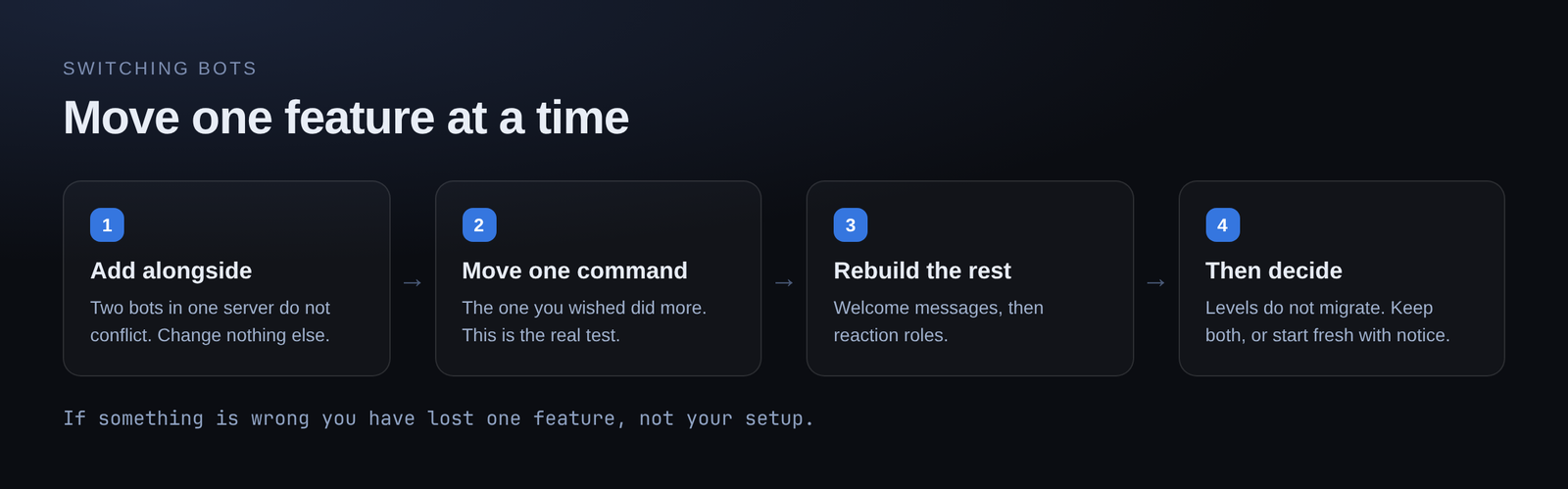
Two bots can sit in the same server indefinitely. They do not interfere. So the sensible move is to add the new one, move one feature, live with it for a week, then move the next. If something is wrong you have lost one feature, not your whole setup.
Nothing here requires removing anything on day one.
What moves easily
Custom commands. This is usually the reason for leaving, and it is the thing that gets dramatically better. Instead of picking from a list, you build what you need — with typed options, real logic and per-member memory.
Welcome messages. Channel greeting, DM, embed, and a generated image card with the member's avatar. Rebuilt in a few minutes.
Reaction roles. Point at a message, map emoji to roles, done.
Announcements and embeds. Rebuild with a live preview so you can see what Discord will render as you type.
What does not move
Be clear-eyed about this part.
Levels and XP history. Accumulated XP lives with the bot that collected it, and there is no supported migration path between bots — nothing here imports another bot's levels for you. If your server cares about levels, this is the real cost of switching, and it is the one thing worth thinking hardest about.
Two ways people handle it: keep MEE6 for levelling only and move everything else, or announce a fresh start on a date and let people know in advance. Both are fine. Silently resetting everyone's level is not.
Anything premium-gated you were paying for. Check your list before assuming.
A migration order that works
- Add the new bot alongside. Change nothing else.
- Move one custom command — the one you always wished did more. This is where you find out whether the switch is worth it.
- Rebuild welcome messages. Visible, self-contained, and easy to compare.
- Move reaction roles. Remember the bot's role has to sit above the roles it hands out.
- Decide about levels. Keep both bots, or start fresh with notice.
- Remove what you no longer use.
Things to check before you remove the old bot
- Every command members actually use has a replacement
- Welcome messages fire for a real join, not just a test send
- Reaction roles add and remove
- Nothing was quietly relying on the old bot's role for permissions
That last one catches people. If channel permissions were built around the old bot's role, removing it changes access.
What you gain
The point is not feature parity. It is the ceiling.
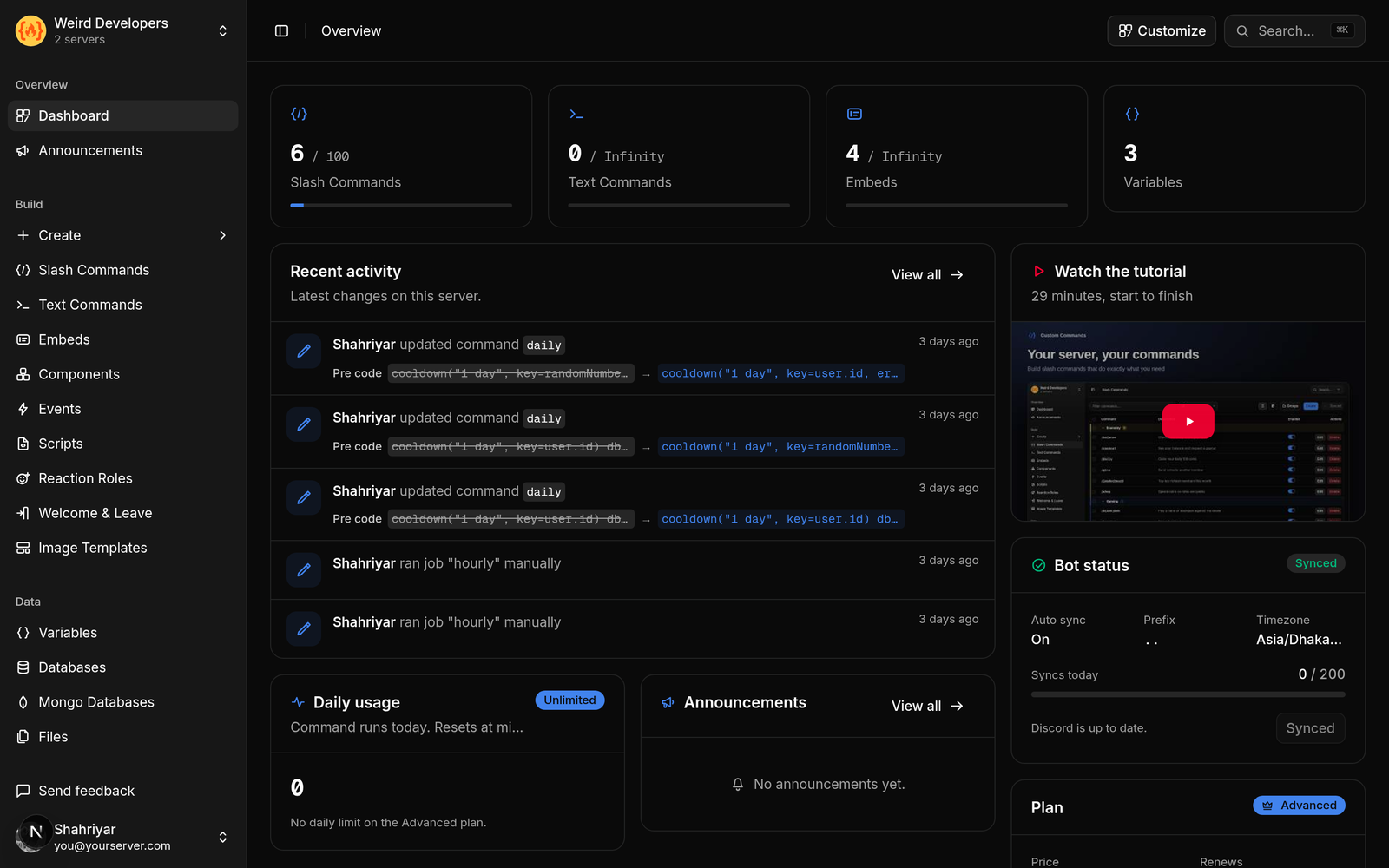
A command that remembers each member. Buttons that still work months later. Its own database. Scheduled posts in your timezone. Commands you describe rather than pick from a list.
You are not swapping one fixed list for another fixed list. You are moving to something where the answer to "can it do this" is usually yes.
A note on accuracy
Everything above describes both products as of September 2026, based on their public documentation. Bots change. If something here is out of date, tell us and it gets corrected.
Try it without deciding anything
Free plan, no card: 5 slash commands, 10 text commands, 10 embeds, 200 runs a day. Enough to rebuild your most-used command and see whether it is better before touching anything else.
Add it alongside your current bot →
Loading comments…